Projects
Create New Project
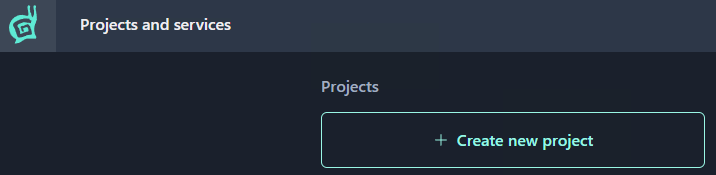
Click the Create new project button.
Note
Creating a project requires two-factor authentication (2FA) with a code generator app enabled on your Gaijin account.
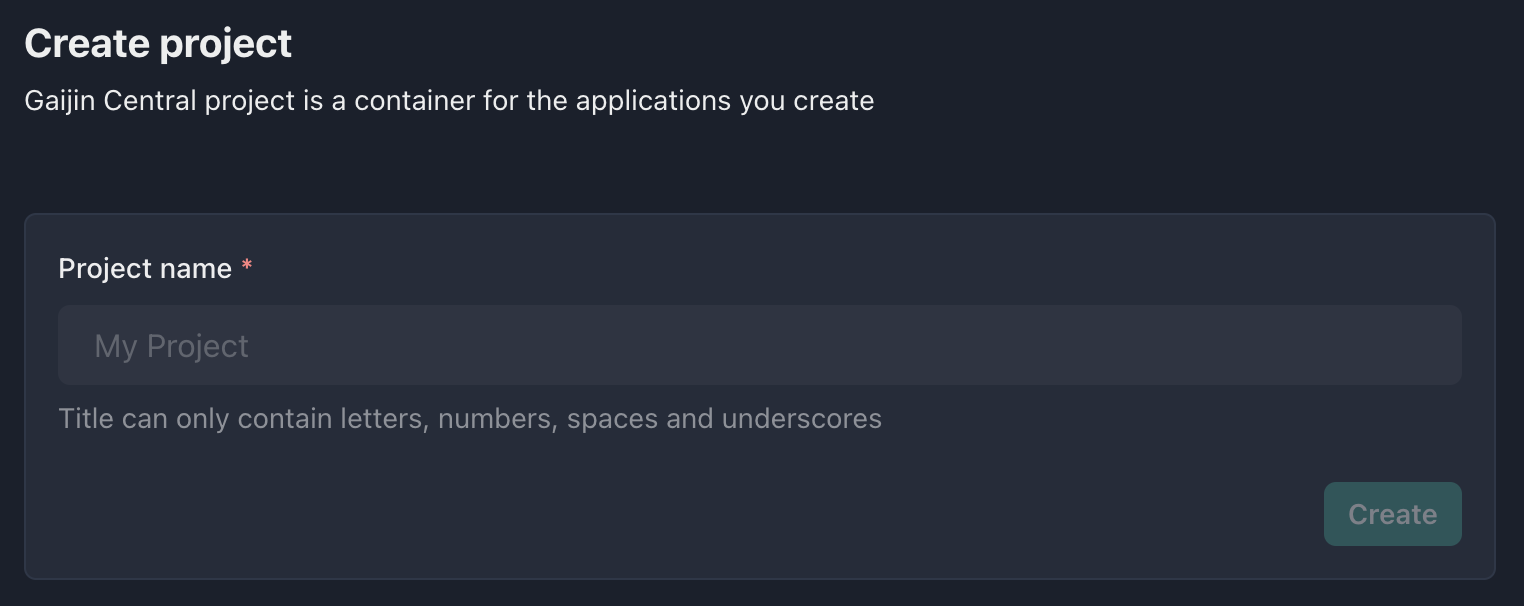
Enter the project name. Latin letters, numbers, and spaces are allowed.
Note
GAP generates the project identifier automatically from the project name – converting it to lowercase and replacing spaces with underscores. For example, “Mind Games” becomes
mind_games.Click Create.
The project is created and you are its owner.
Project Owners and Administrators
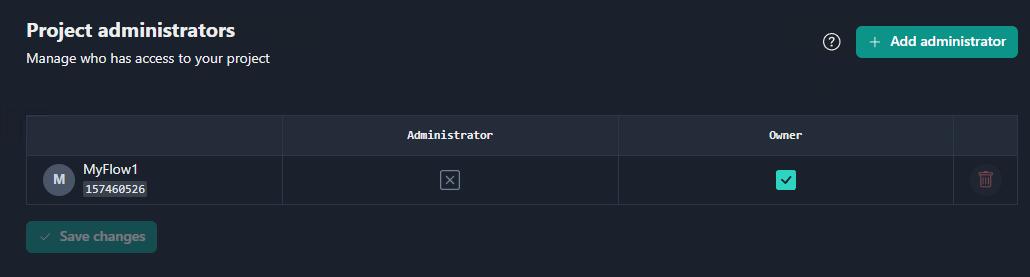
A project can have multiple owners and administrators, but must always have at least one owner. The roles differ as follows:
Project owner can add and remove administrators and other owners.
Project administrator can manage any entity in the project, but cannot modify the project owner.
See also
For more information on managing project administrators, see Owners and Administrators.
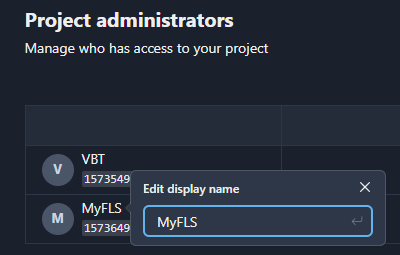
Many users go by nicknames. You can edit each user’s display name to keep track of who’s who in the project.