Project
Project is the top-level entity for Gaijin Central. Key features of the project:
Containing one or more applications. Application is a logical entity, allowing to break a project into separate subsystems. For instance, you can keep separate applications for different platforms or environments (test, production, etc.).
Enabling to connect the necessary services depending on your needs.
Allowing flexible access management for administrators to applications and services.
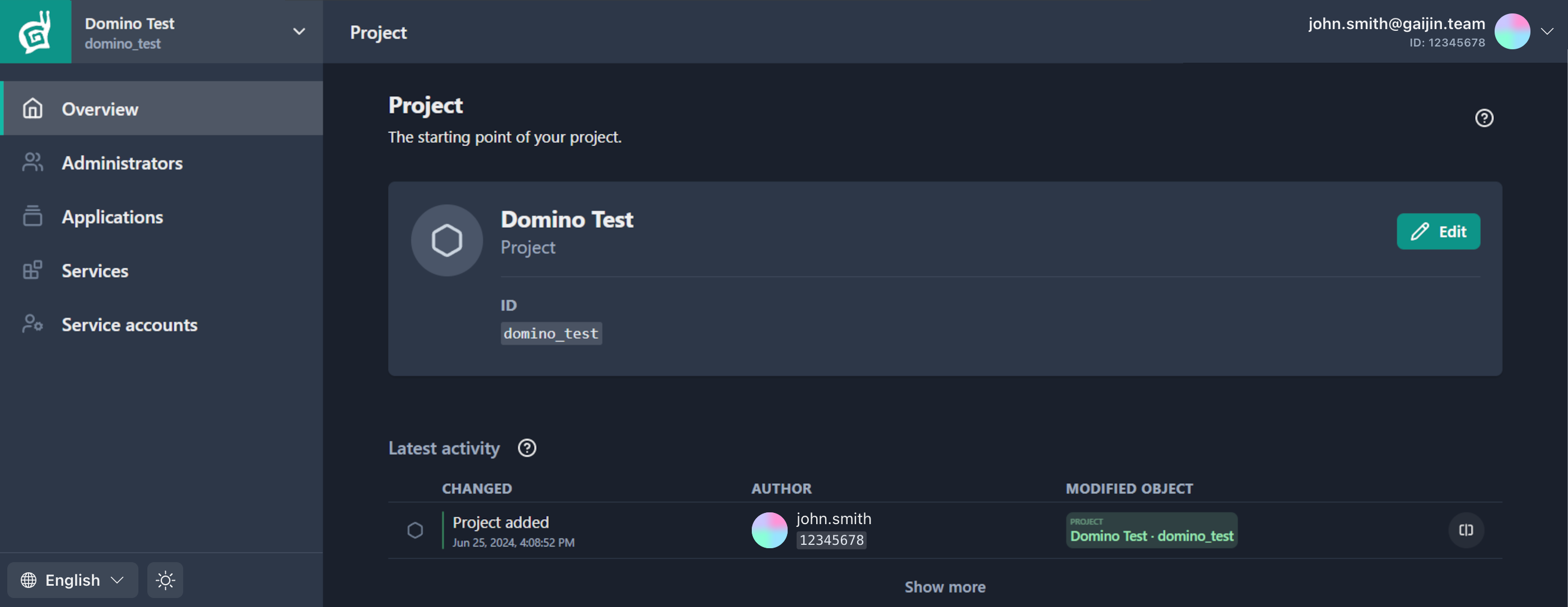
Create New Project
Note
To create a new project, it’s required to have a two-factor authorization (2FA) enabled with a code generator application in your Gaijin account. This is an additional security measure that will help protect your account and prevent unauthorized access.
To register a new project:
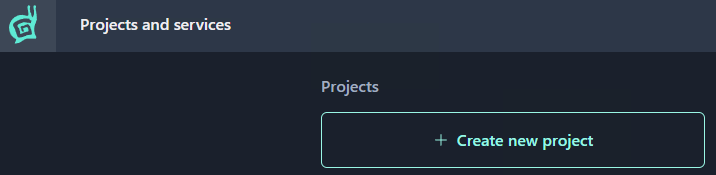
Click the Create new project button on the Projects and services page (or click the same button in the Start menu).
Note
To create a new project, it’s required to have a two-factor authorization (2FA) enabled with a code generator application in your Gaijin account. This is an additional security measure that will help protect your account and prevent unauthorized access.
Enter the project name (Latin letters, numbers, and spaces are allowed).
Note
GAP will generate a project identifier automatically, based on the project name, making all symbols lowercase and replacing spaces with underscores. For the project named “Mind Games”, the system will auto-generate the
mind_gamesidentifier.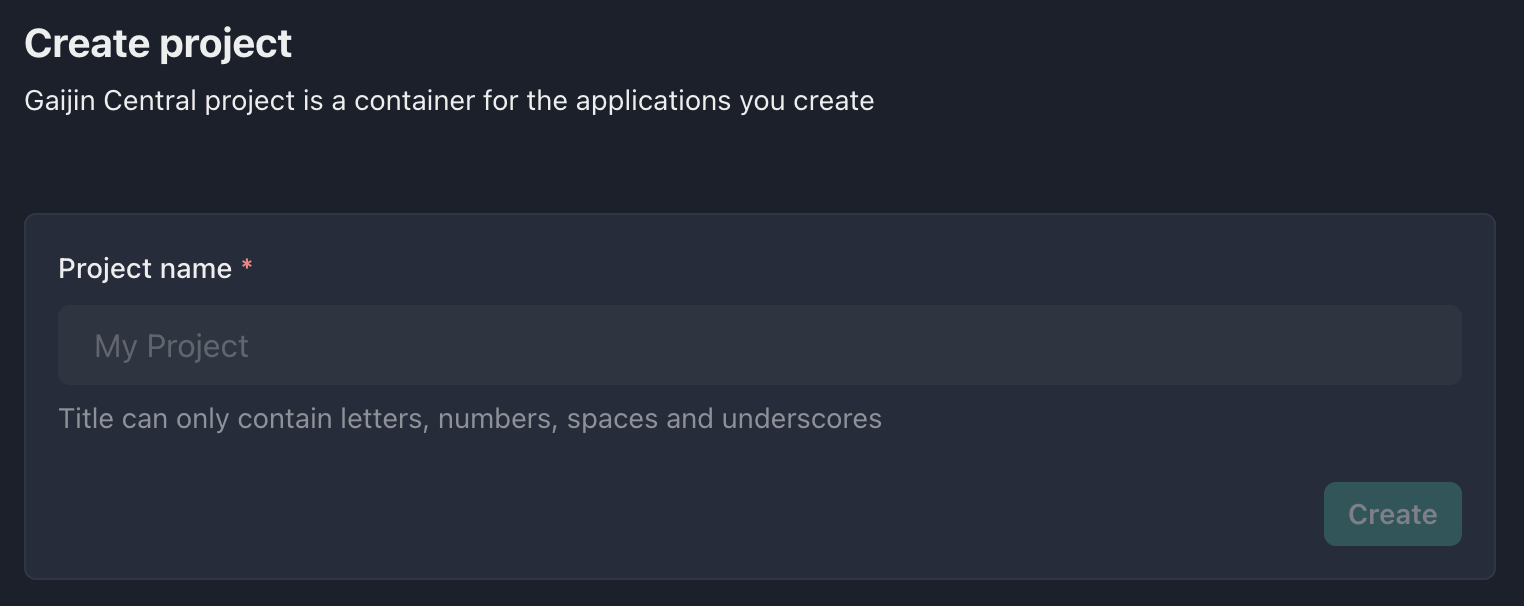
Click the Create button.
Done. You created the project, and you are its owner.
Next Steps after Creating Project
Create an application within the project.
Adding other administrators to the project.
Connecting services.