Getting Started
Follow these steps to set up and start using the Newsfeed service in your project.
Log In
Sign in to Gaijin Central using your credentials.
Open Your Project
Navigate to the project where you plan to use the Newsfeed service.
Connect the Newsfeed Service
Connect the Newsfeed service to your selected project.
See also
For more information, see Connecting a Service to a Project.
Assign Service Administrators
From the Newsfeed service page, assign one or more administrators. You can add yourself or any other relevant users.
See also
For more information, see Service Page Overview.
Assign User Roles
Grant users access to the Newsfeed service by assigning roles.
See also
For more information, see Connecting Users to a Service.
Available user roles:
admin – Full access to manage project settings within the service.
news.editor – Can edit news content.
news.publisher – Can both edit and publish news content.
Each role grants access to specific functionality within the service. User roles may be assigned individually or in combination, depending on your project’s needs.
Access the Newsfeed Admin Interface
To open the admin panel, either:
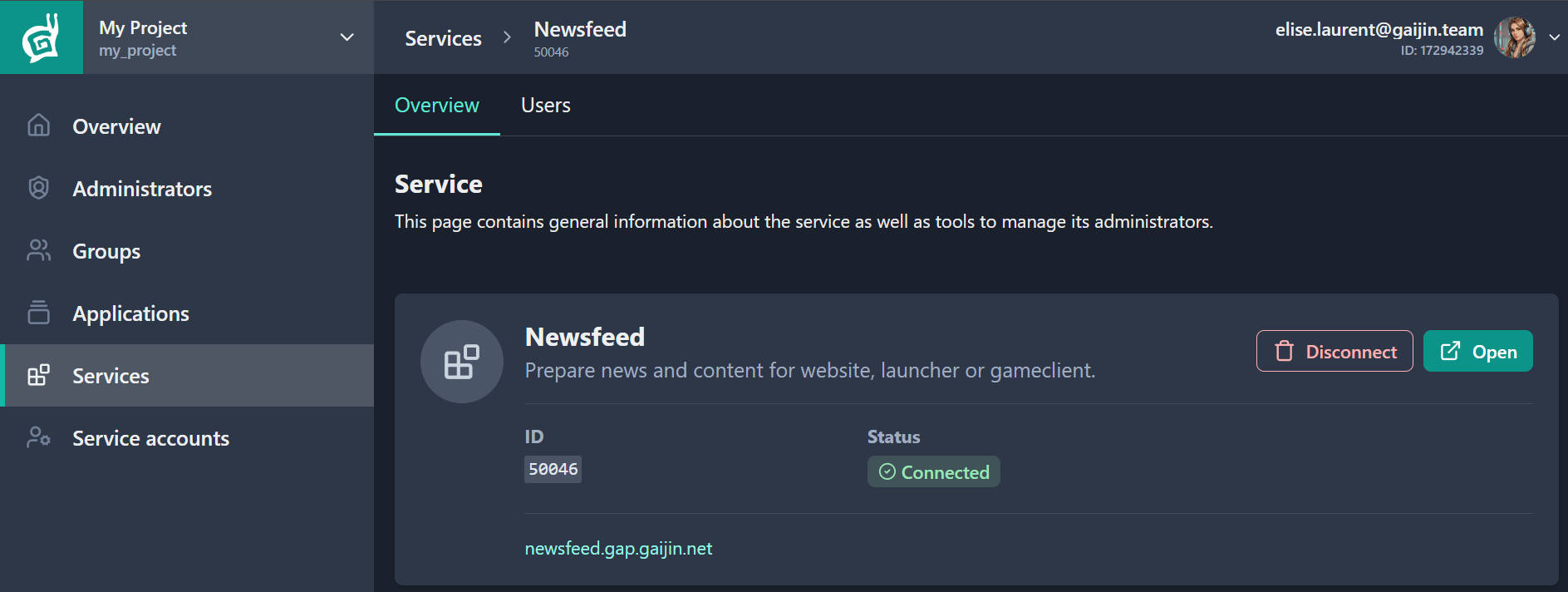
Click Open on the Newsfeed service page under the Overview tab,
or
Go directly to https://newsfeed.gap.gaijin.net/.
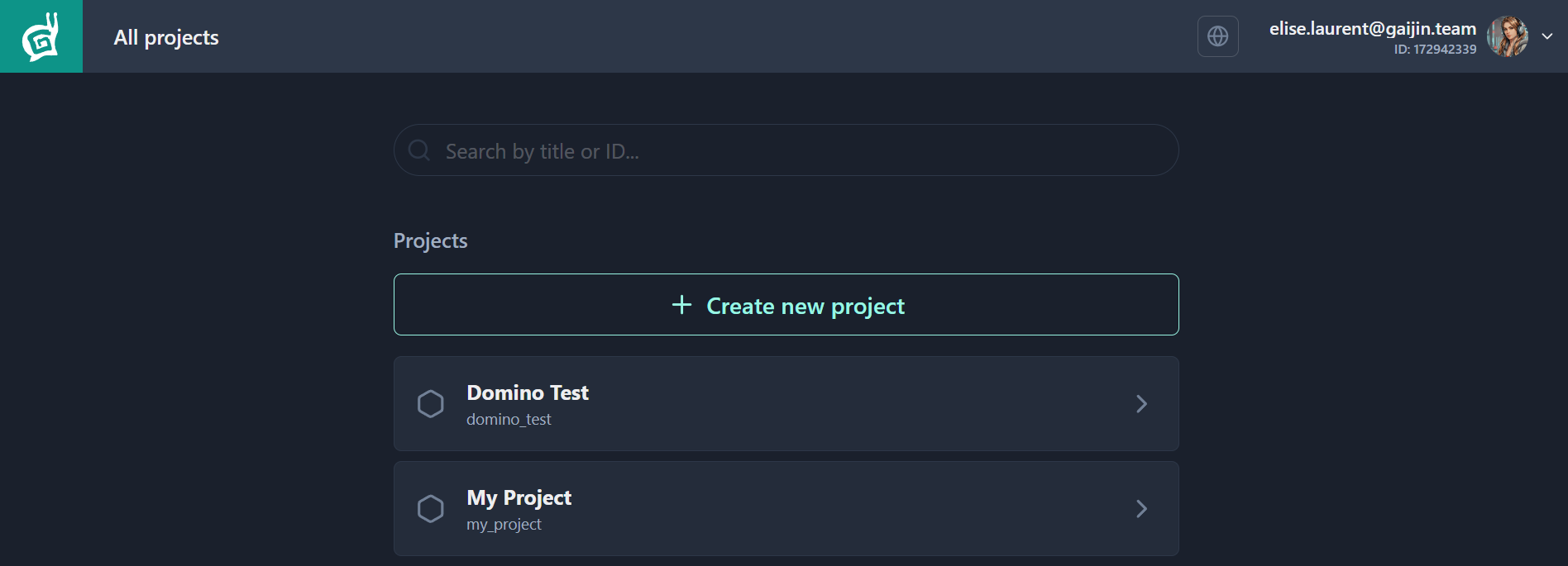
After signing in, you’ll see a list of your connected projects.
Choose a Project
Select the project you want to work on.
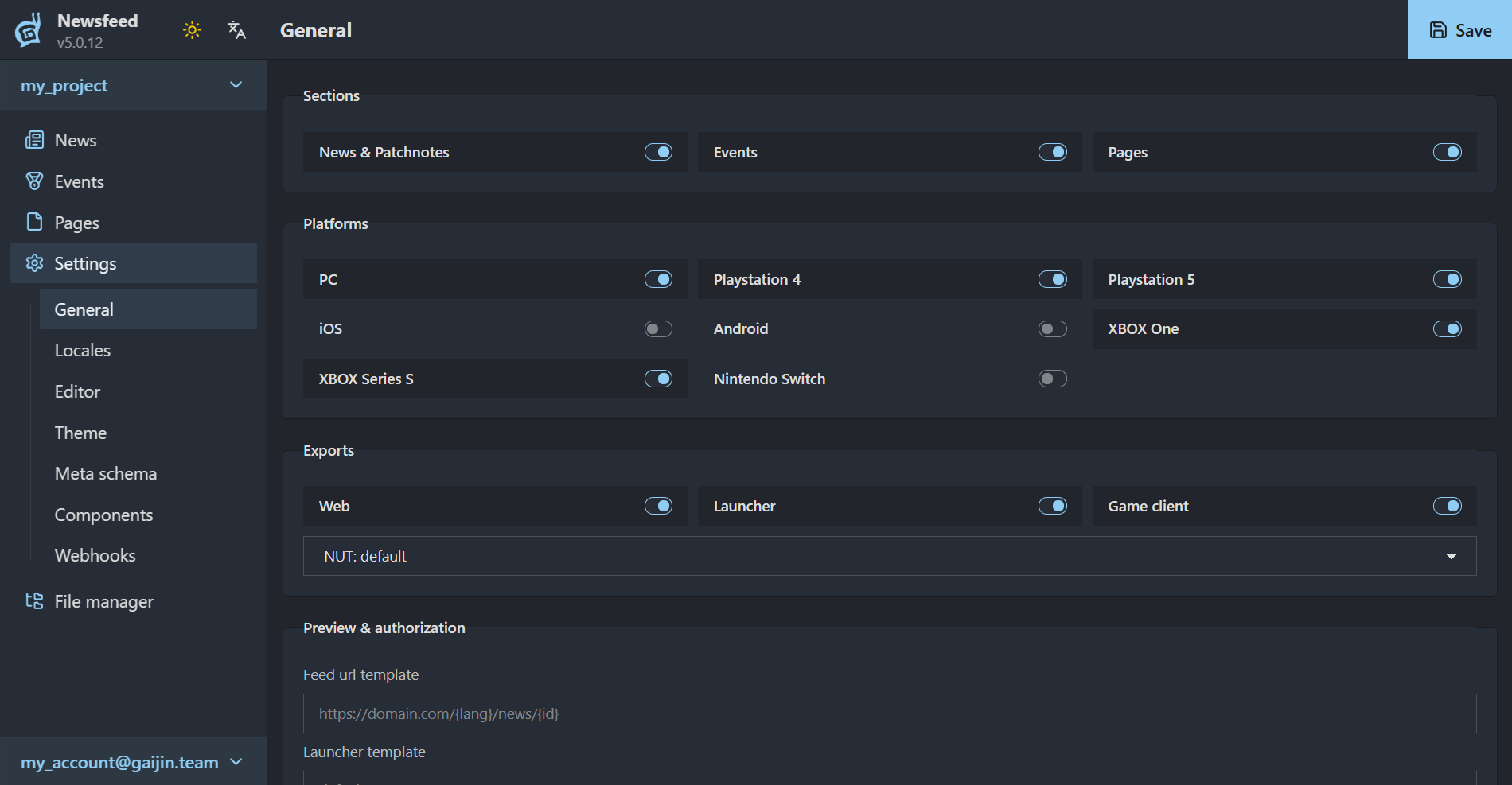
Access to specific interface sections is determined by your user role. Available sections include:
News – Create and manage news items.
See also
For more information, see What is a News Item?
Events – Content used within the game client.
Pages – Content for web presentation.
Settings – Configure languages, export formats, and editor blocks (admin role only).
The screenshot below shows the interface for an admin user. If you’re assigned a different role, the Settings section will be hidden.
Tip
Want to switch accounts? Use the control in the lower-left corner of the screen.
Create a News item
You’re now ready to start creating content.
See also
For more information, see Creating News Item.
Summary
To get started with the Newsfeed service:
Connect the Newsfeed service to your project in Gaijin Central. This links the service to the selected project environment.
Add users to the service and assign roles based on their responsibilities (e.g. admin, news.editor, news.publisher).
Access the Newsfeed Admin interface at newsfeed.gap.gaijin.net to create, manage, and publish content for the connected project.
News items are available through API endpoints in both rendered HTML and structured JSON, making them easy to embed into websites, launchers, or in-game clients.