Code Editor
Code Completion
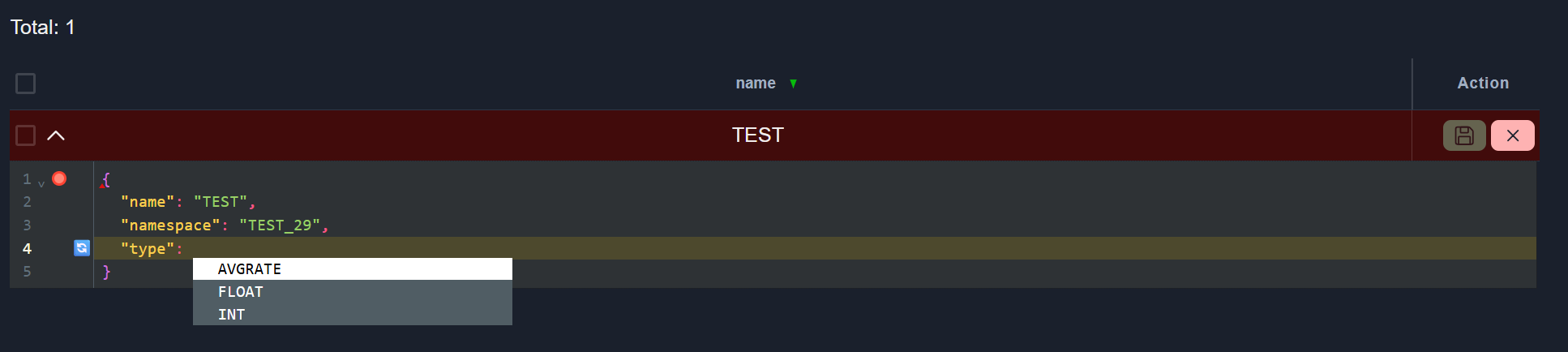
The Code editor provides auto-completion for configuration elements and suggests possible values.
Activate: press Ctrl+Space.
Field name completion:
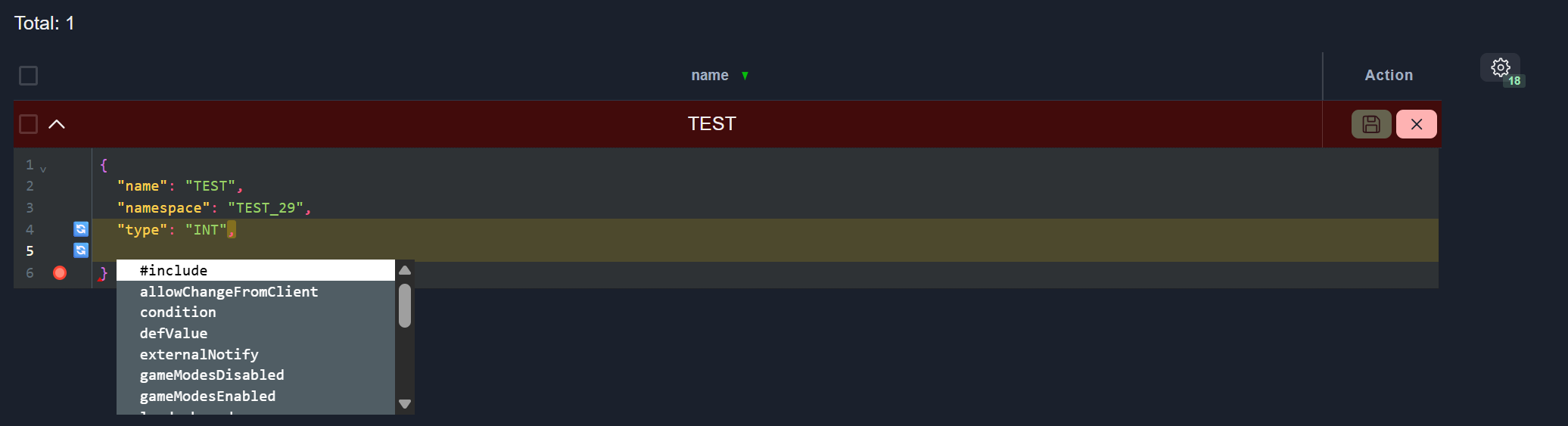
Value completion:
Error Marker
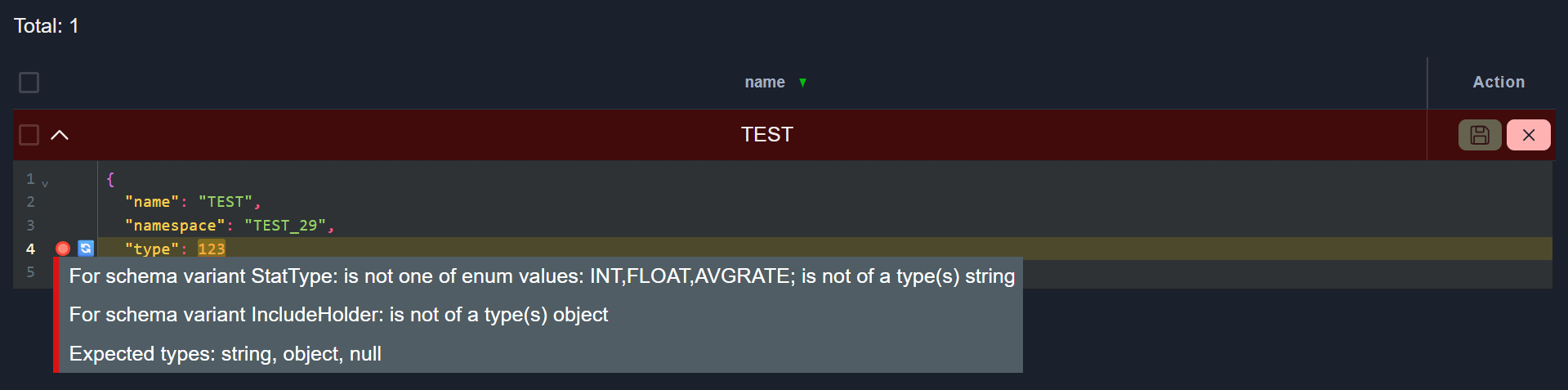
Lines containing errors are indicated with a red circle. The Save button is disabled until all errors are resolved.
View error message: hover the mouse over the red circle.
Change Marker
Modified parameters are indicated with a revert icon for easy tracking and revert changes.
To revert changes, click the Revert icon.

CSV Import and Export
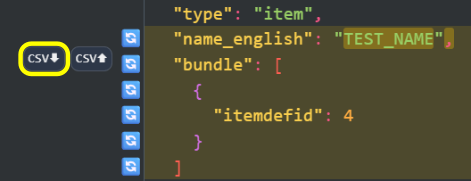
Some parameters support importing from and exporting to CSV files.
Export to CSV
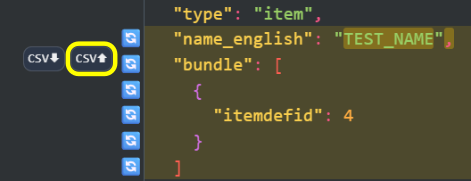
To export parameter data to a CSV file, click the Export to CSV button.
Import from CSV
To import parameter data from a CSV file, click the Import from CSV button.
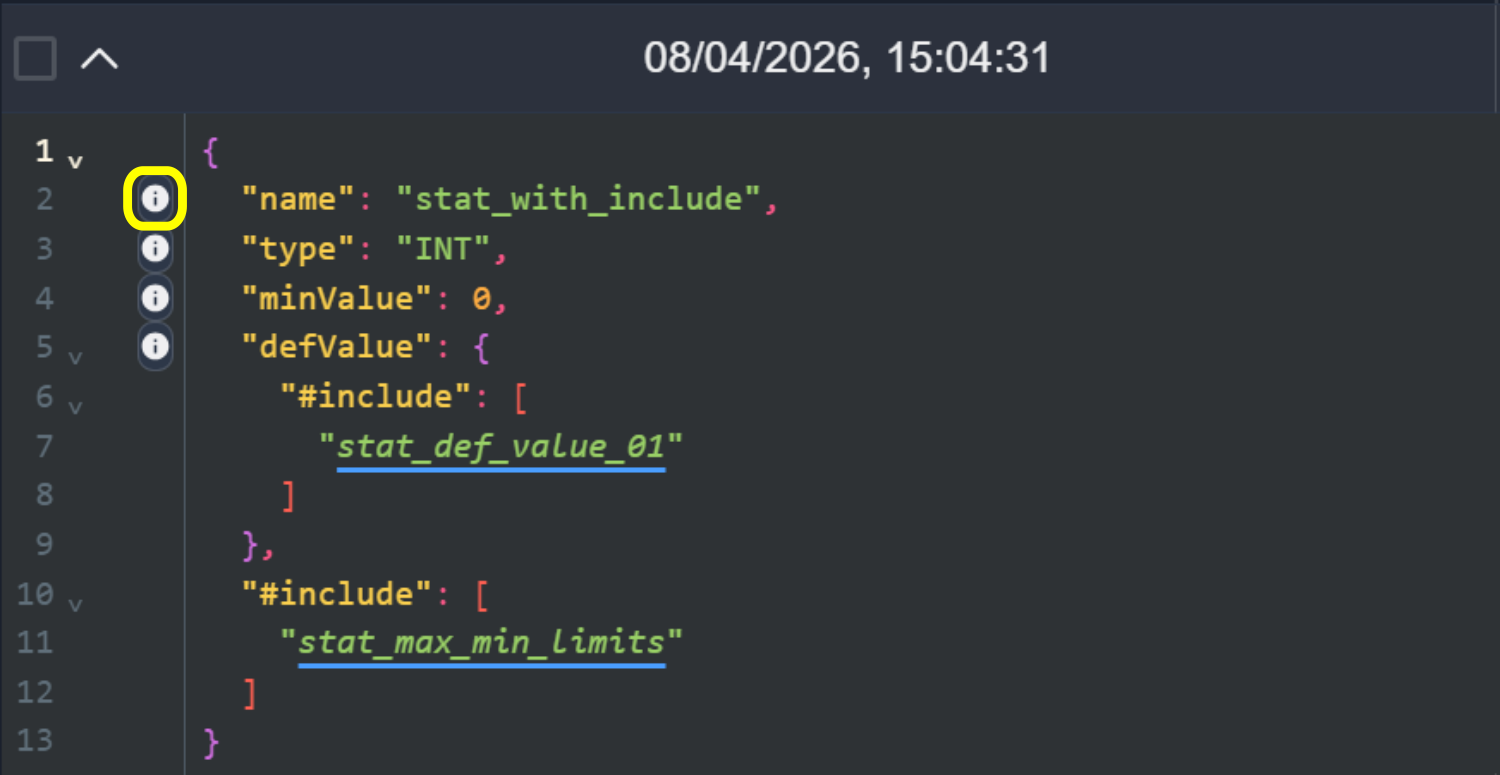
Navigate to Documentation.
If the schema contains a parameter with a link to documentation for a specific parameter, a button will appear. Clicking the button will open the documentation.
Collapse unchanged lines
Note
This feature is only available for certain configurations.
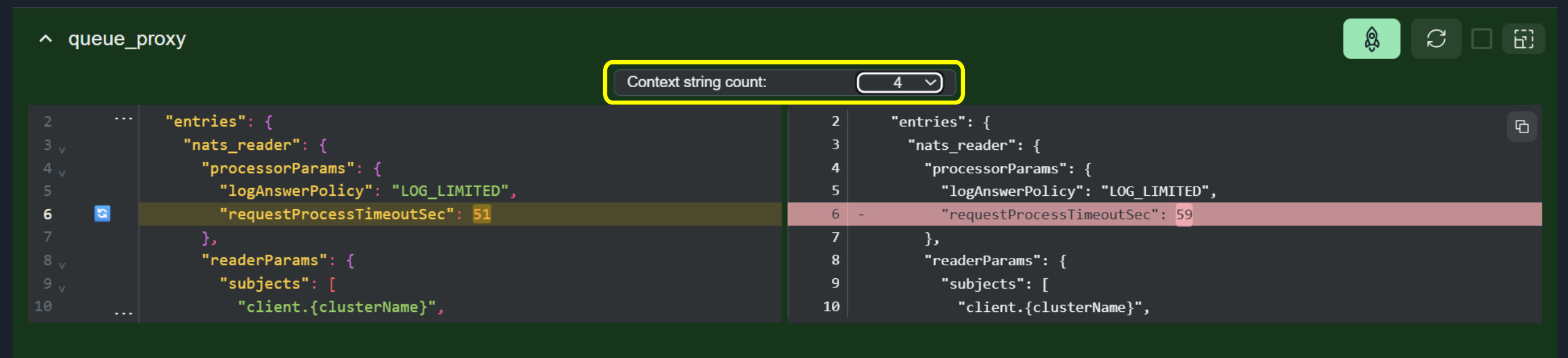
In diff mode, unchanged lines can be collapsed, showing only modified lines and a configurable number of surrounding context lines.
To change the number of context lines, select a value from the Context dropdown below the editor.
Note
The default value is Infinity (all lines are shown).