Token Management
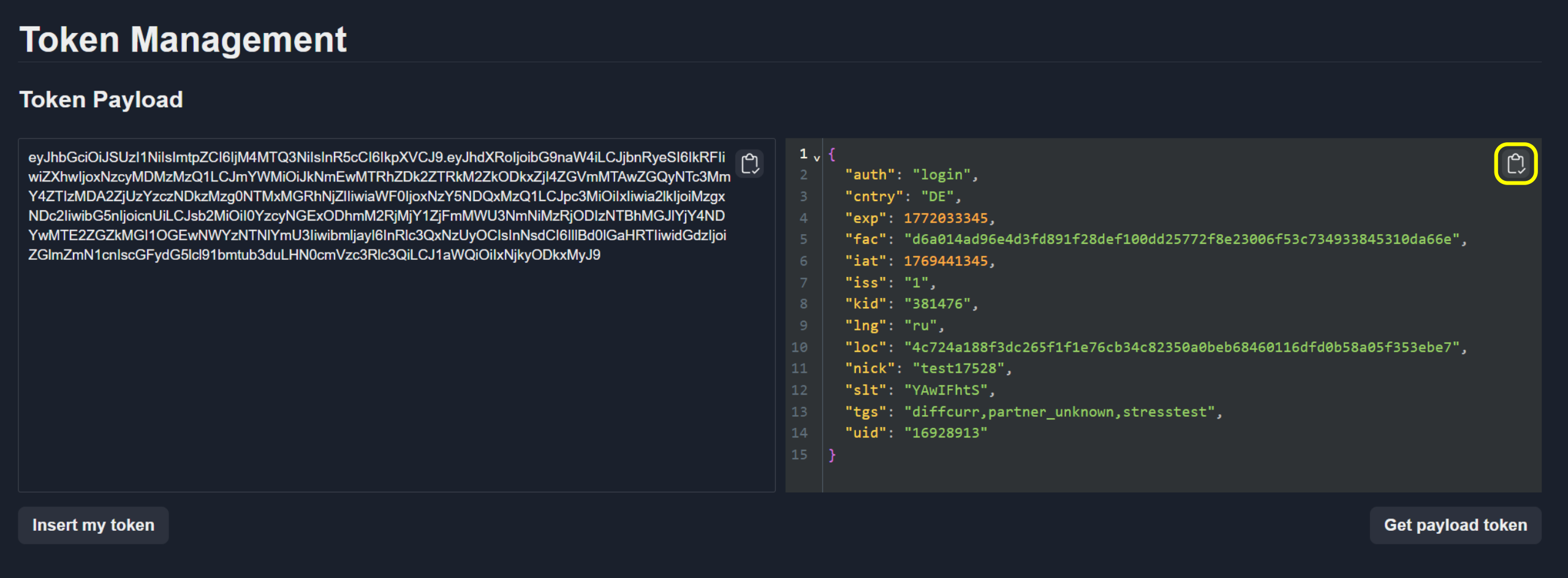
The Token Management page allows you to view the payload of an authentication token.
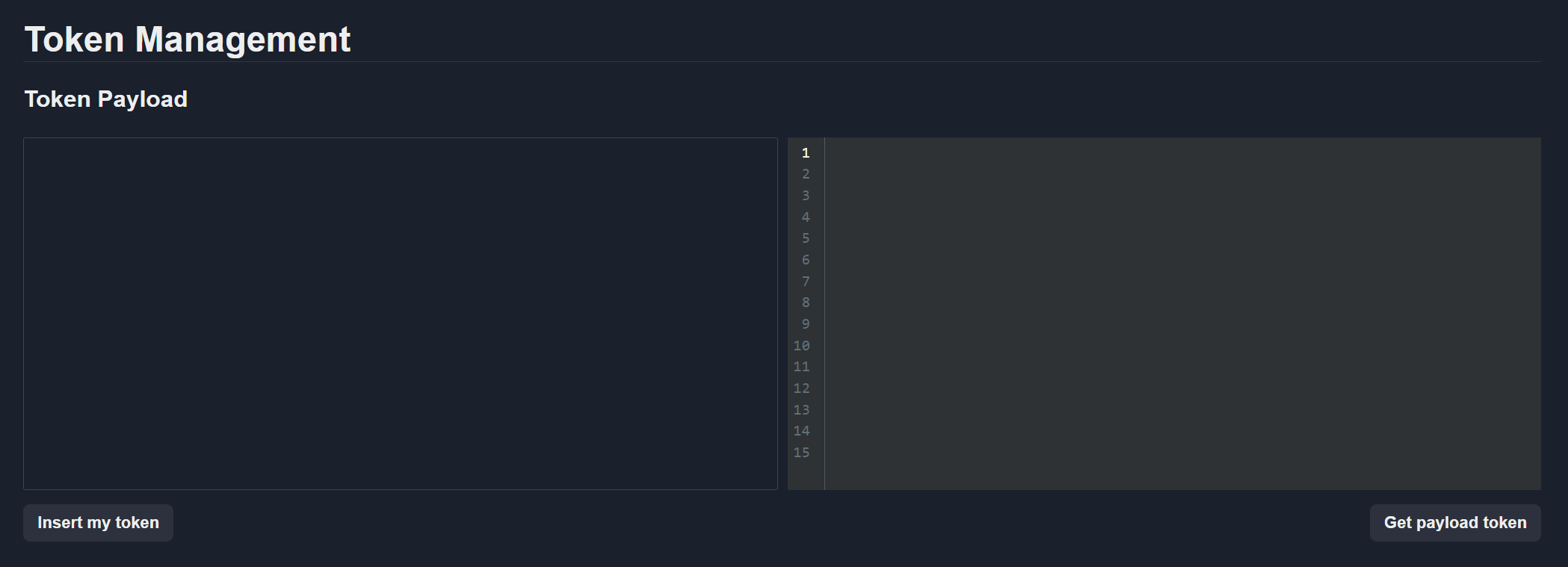
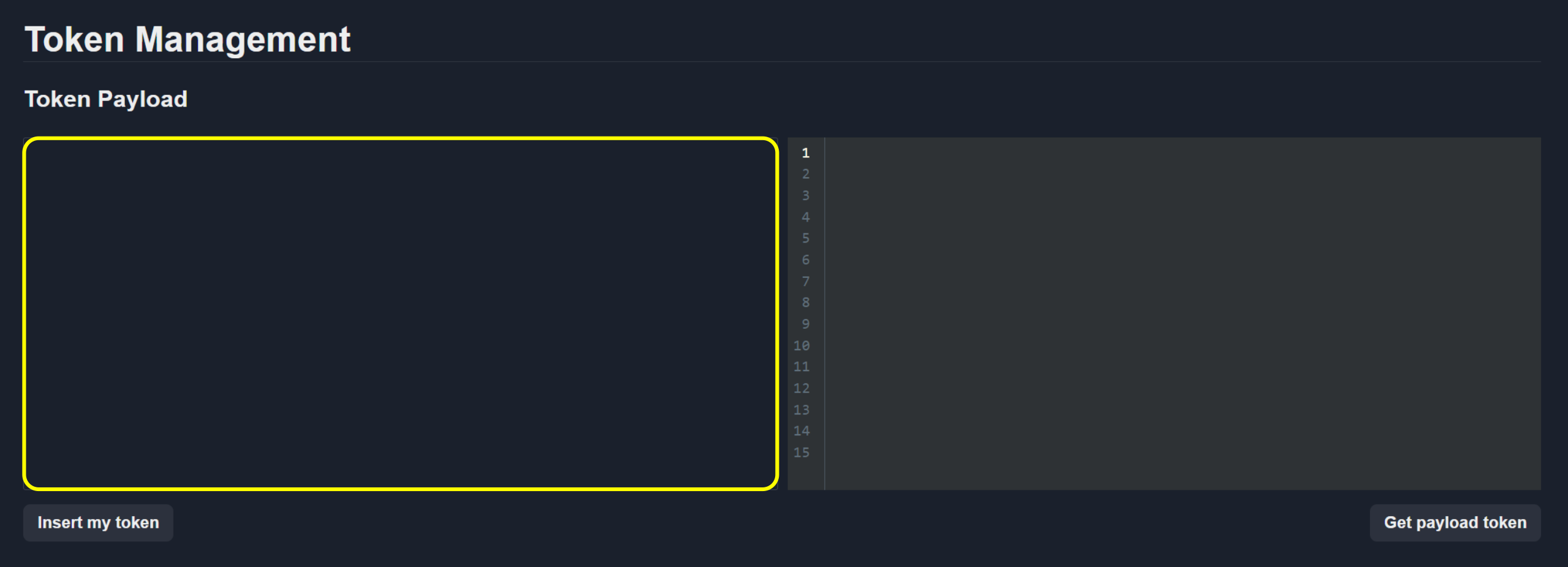
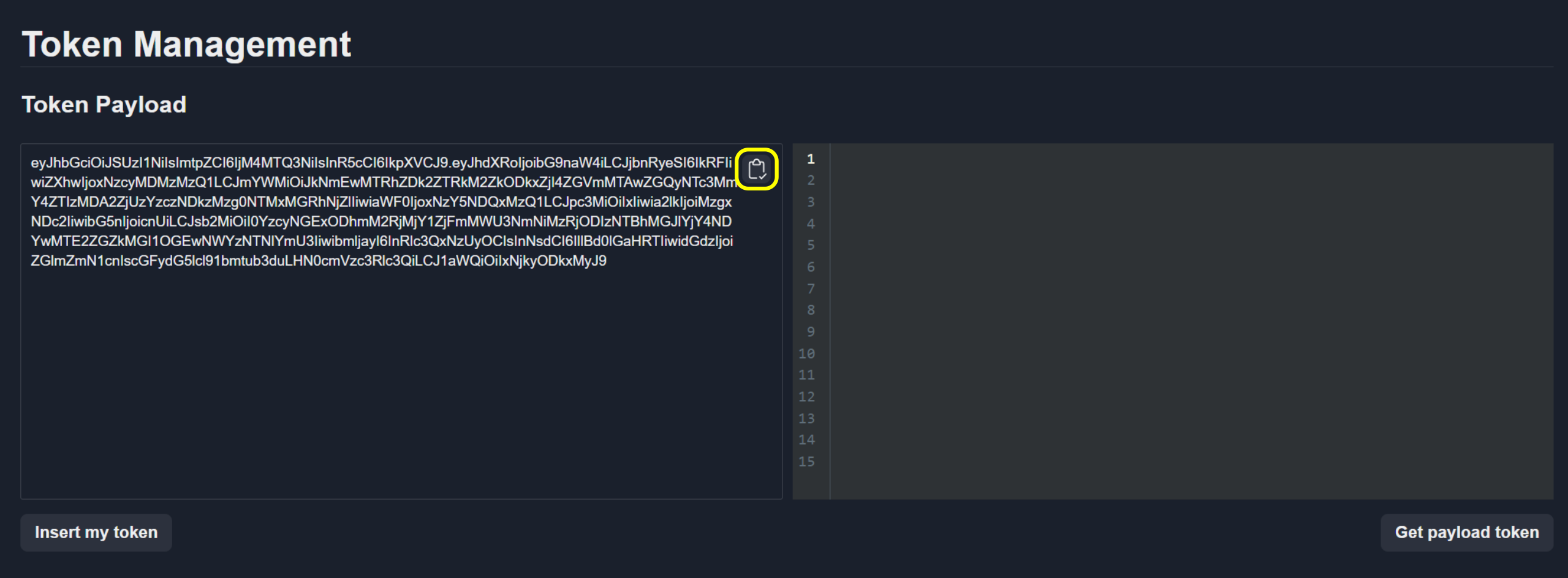
To view token payload enter the token into the Token Payload field.
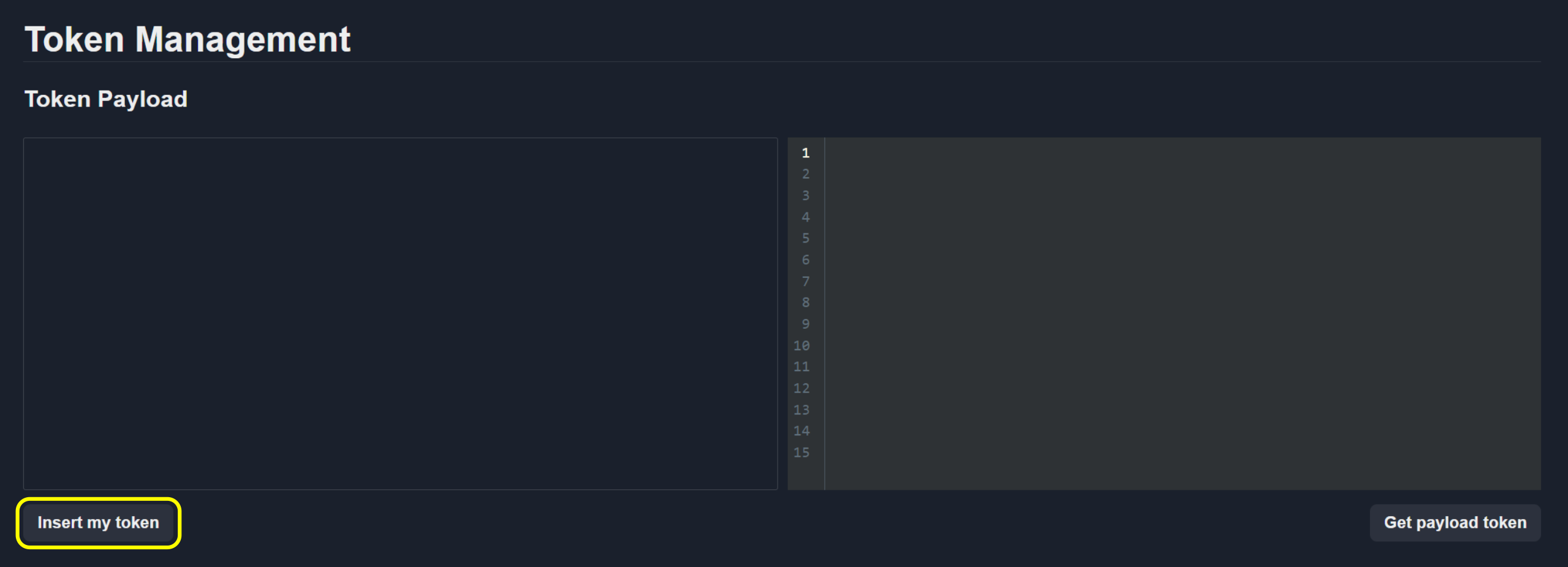
To insert a token automatically, click the Insert my token button.
To copy the token to the clipboard, click the Copy button.
Click Get payload token to decode and display the token payload.
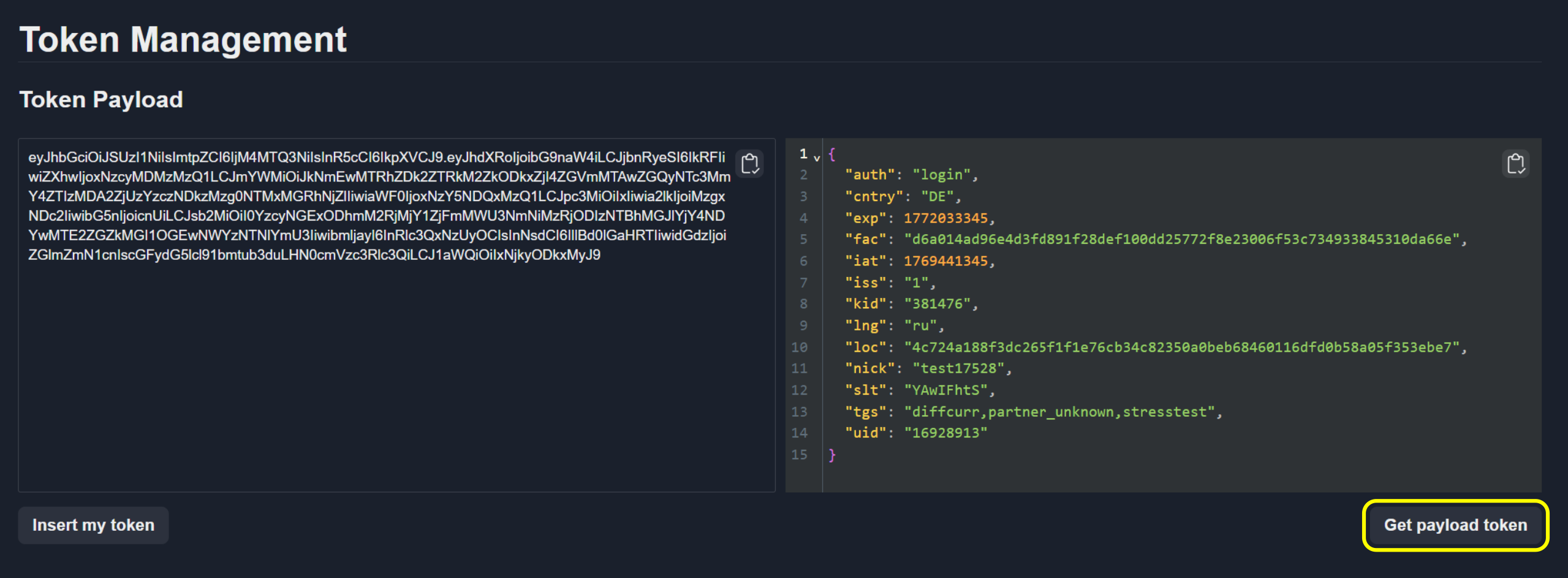
To copy the decoded payload to the clipboard, click the Copy payload icon.