Console
All action statuses indicating date and time of requests are written to the console.
To open console click Arrow button:
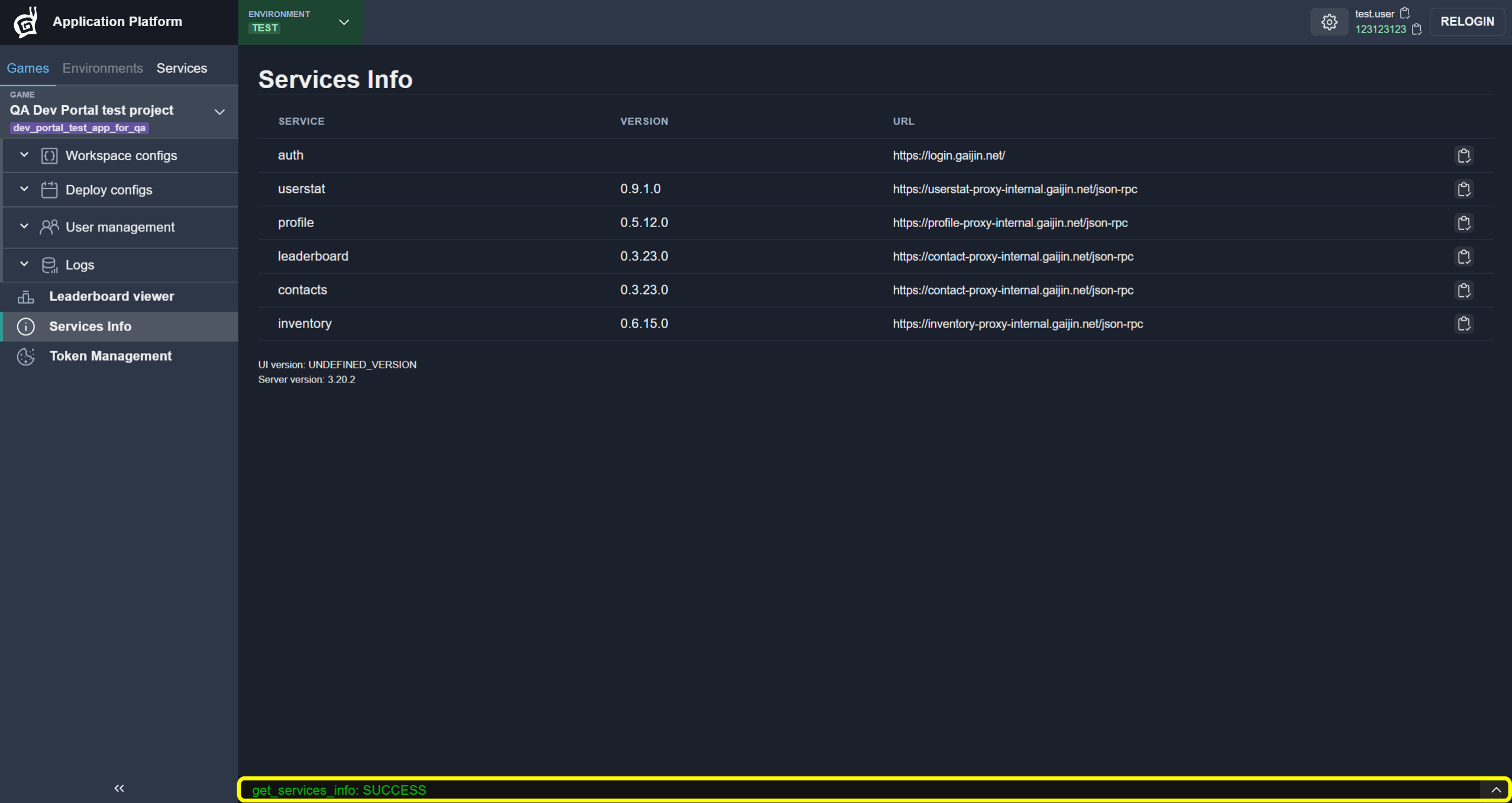
Now you can see last actions results. Console is scrollable.

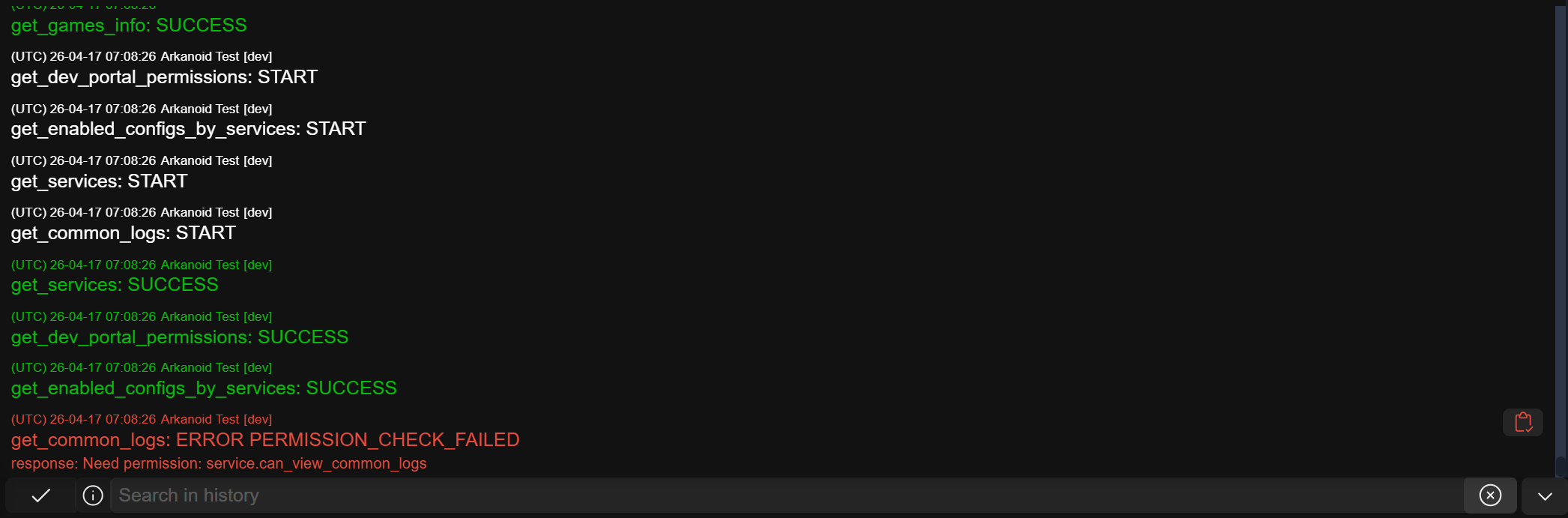
Error Highlight
If any request returns an error, the console will be highlighted in red.

The highlighting can be cleared in two ways:
Button (1) — manually clear the console highlighting
Automatically, after opening the console and scrolling to the error
Console Filter
You can filter console output, just enter a part of words separated by Space to filtering.
Data can be filtered by date, action, type and error message.
Filter Errors
Input ERR:

Filter Errors by Date
Input ERR and part of cureent date, for example: ERR 05-16:

Filter Errors by Action
Input ERR and part of action name, for example: ERR get_contacts

Filter Errors by Date Range
Input the first date and the second date separated by /, for example: ERR 23-06-08/23-06-09.
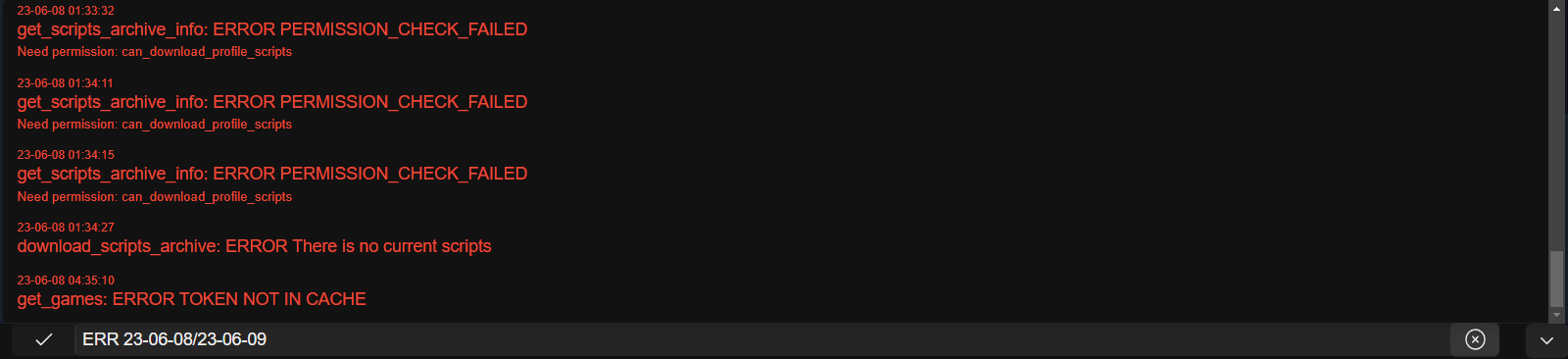
Add time for a more accurate filtering, for example ERR 23-06-08 01:33:27/23-06-08 01:34:27
