Services Actions
The Services Actions section allows you to send operational commands to service configurations.
View Services Actions Information
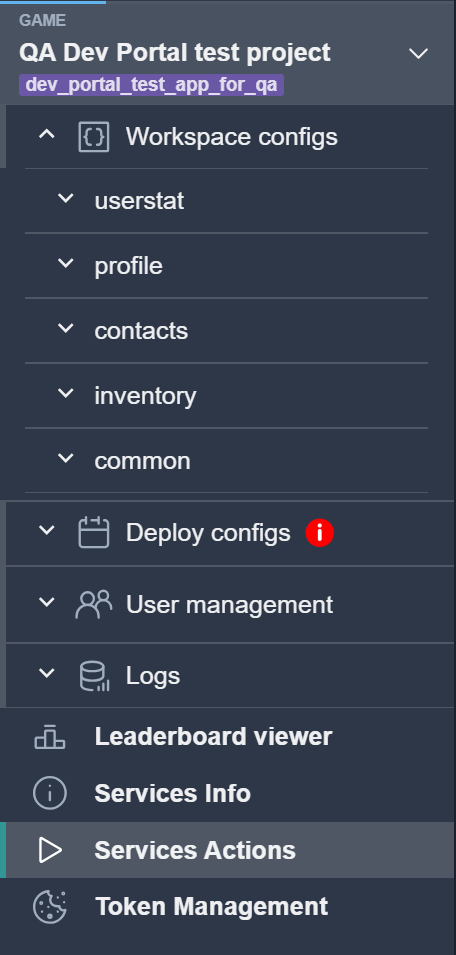
To view Services Actions, select the corresponding item from the list.
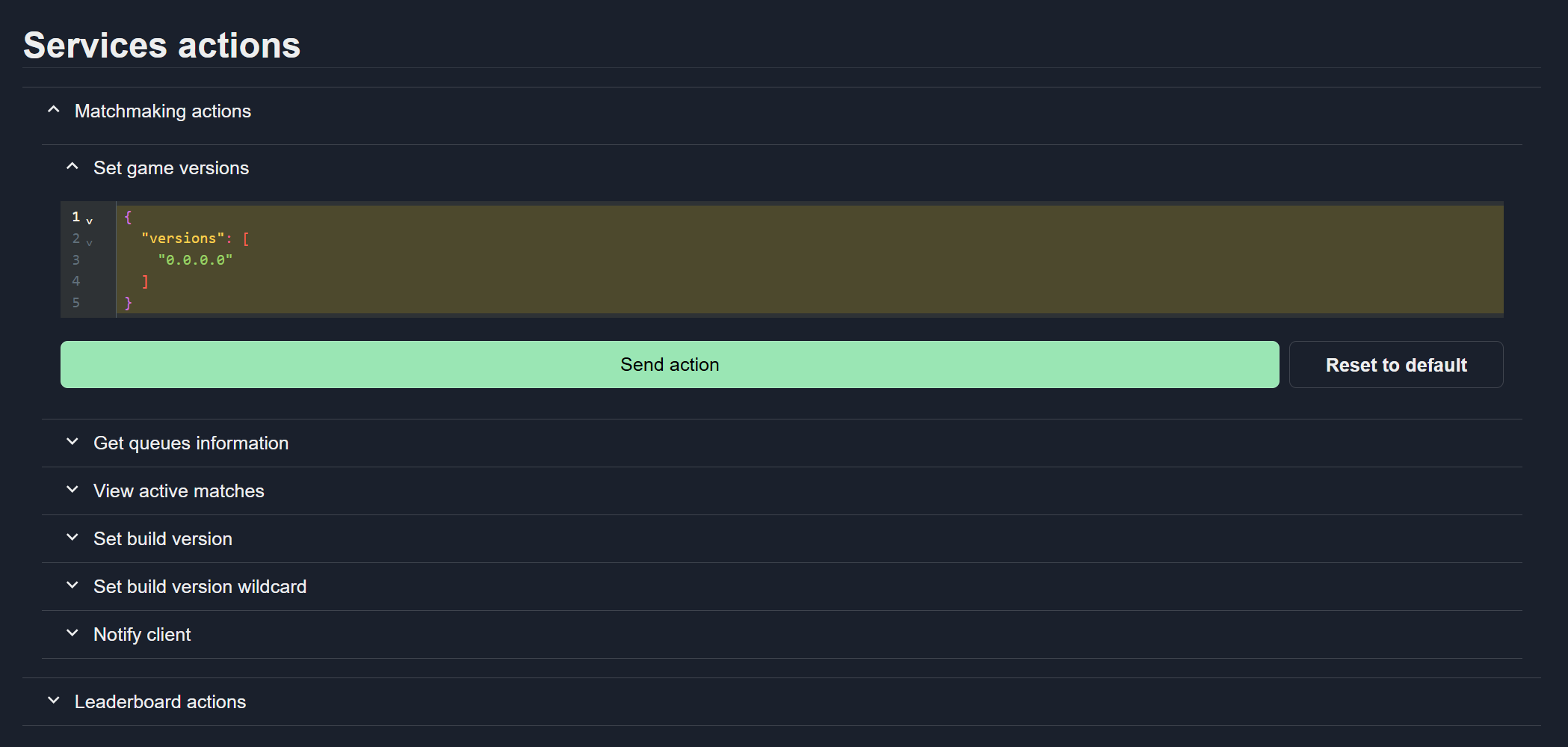
The page displays sections with operational commands grouped by service type.

View Available Actions
Open the section to see the list of available actions.

Send Action
Select the required action from the list.
Enter the necessary input data in the text field.
Click Send action.
Reset Action Data
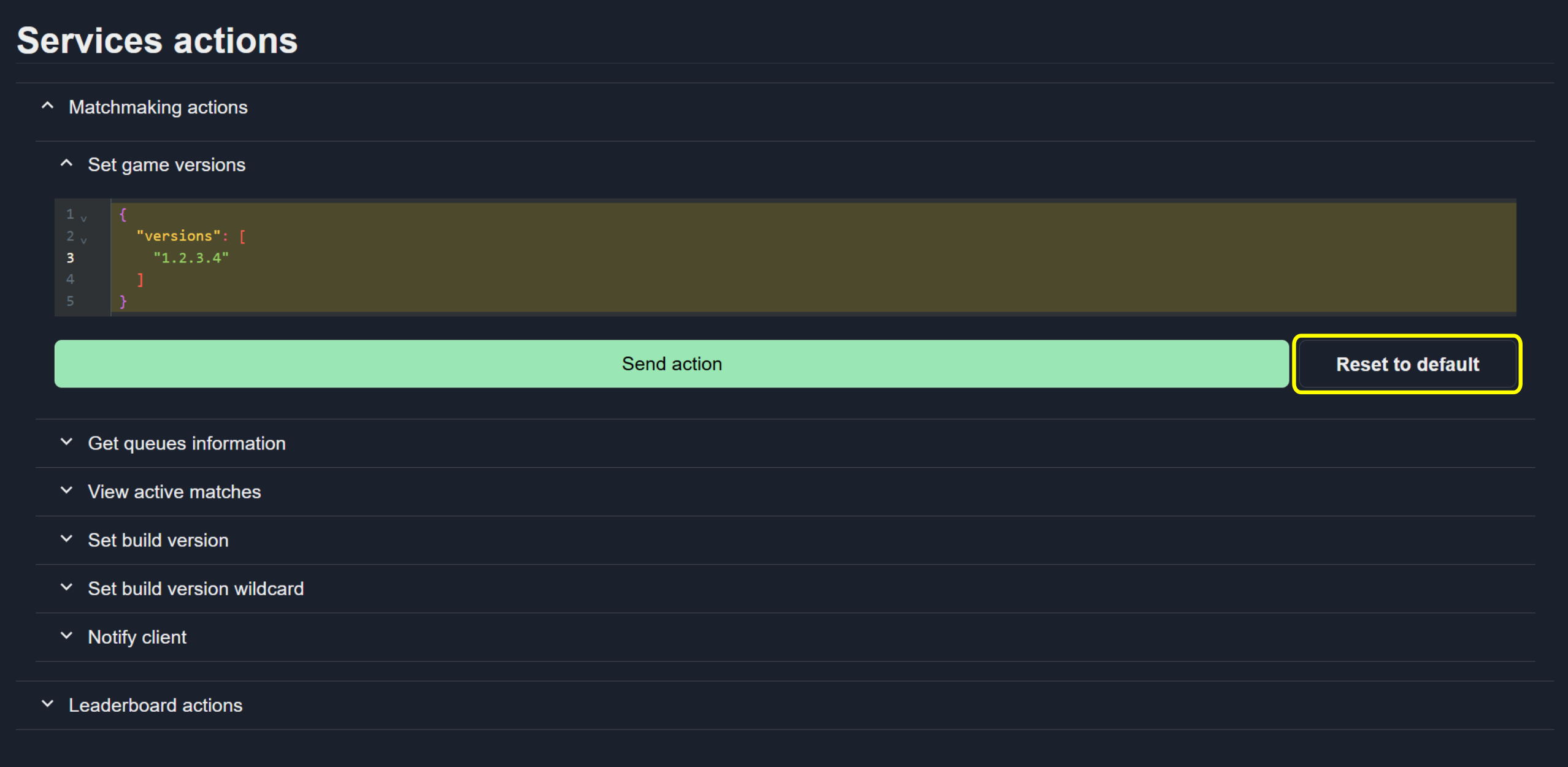
To clear all input fields and restore default values, click the Reset to default button.