Time range
Time range is used to set date and time across the different parts of the portal.
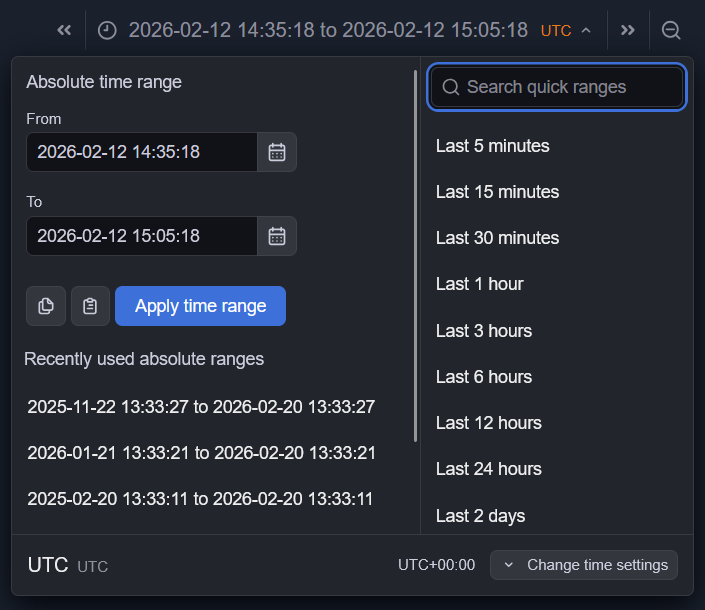
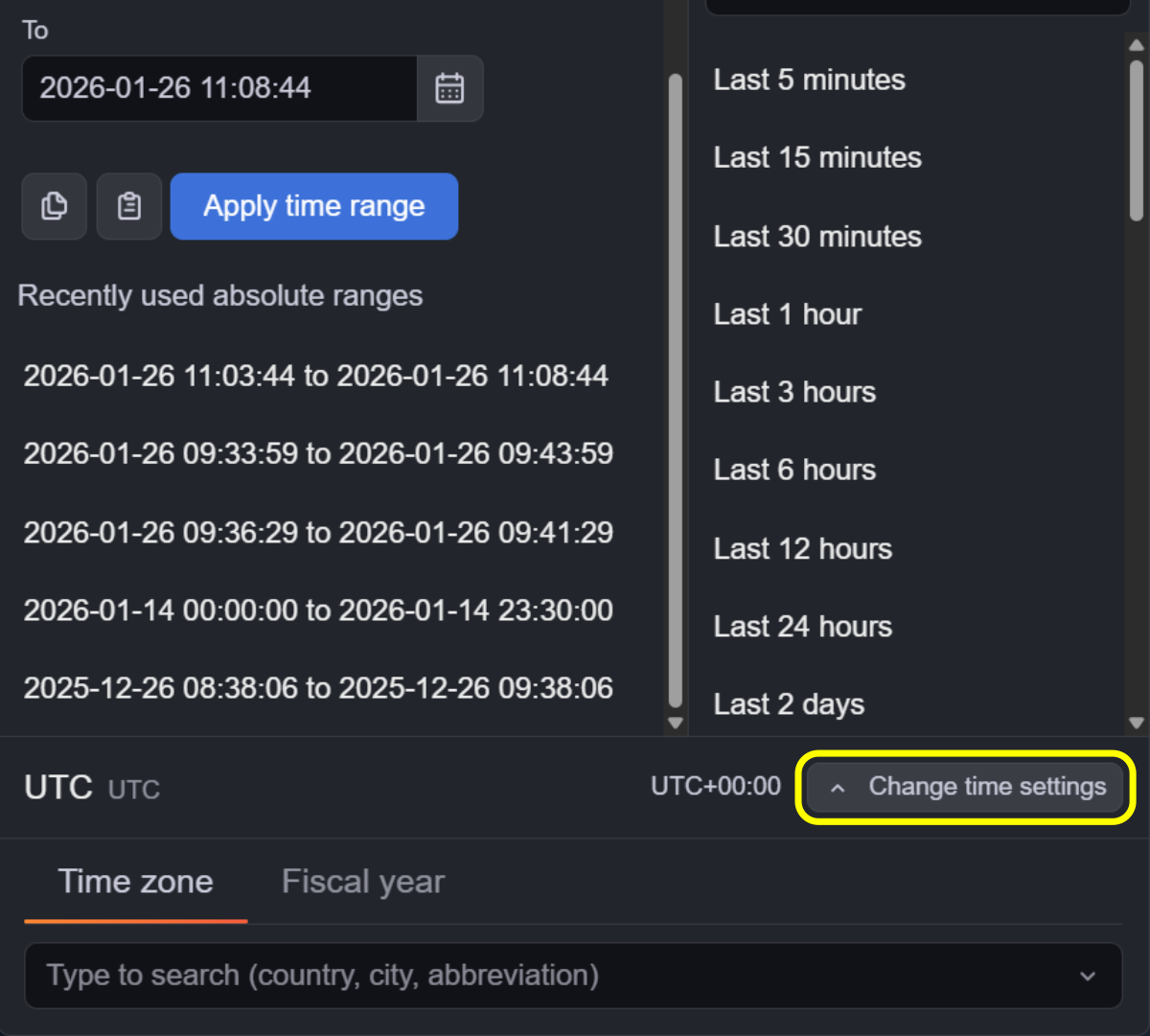
Set dates using the date fields or the date picker.
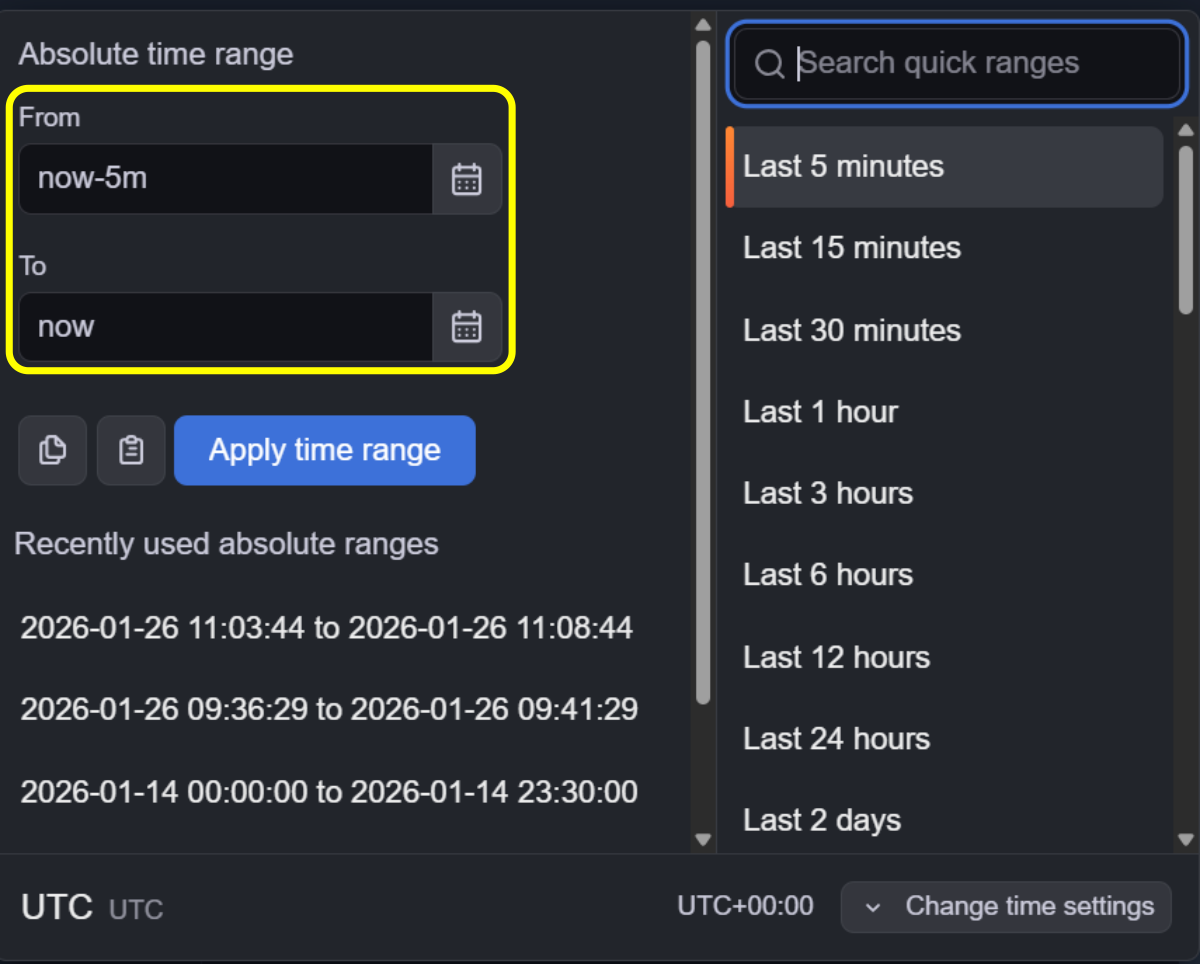
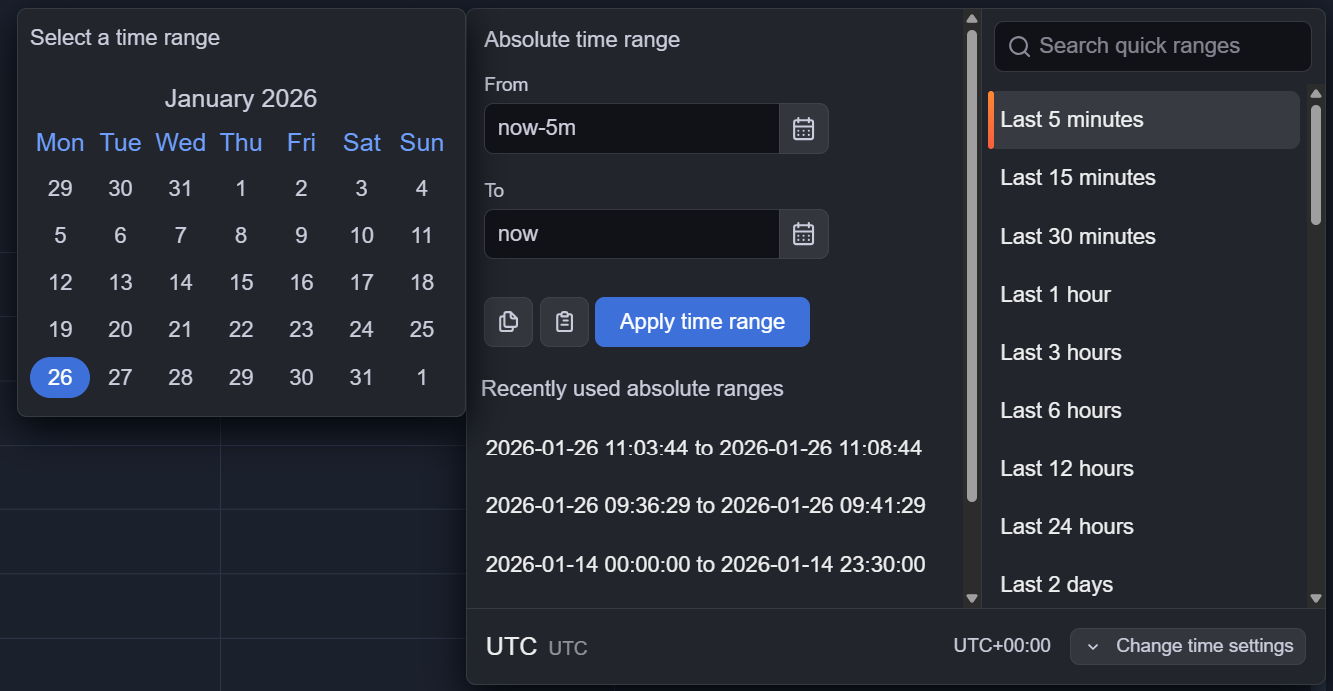
Values can be entered manually or selected from the calendar.
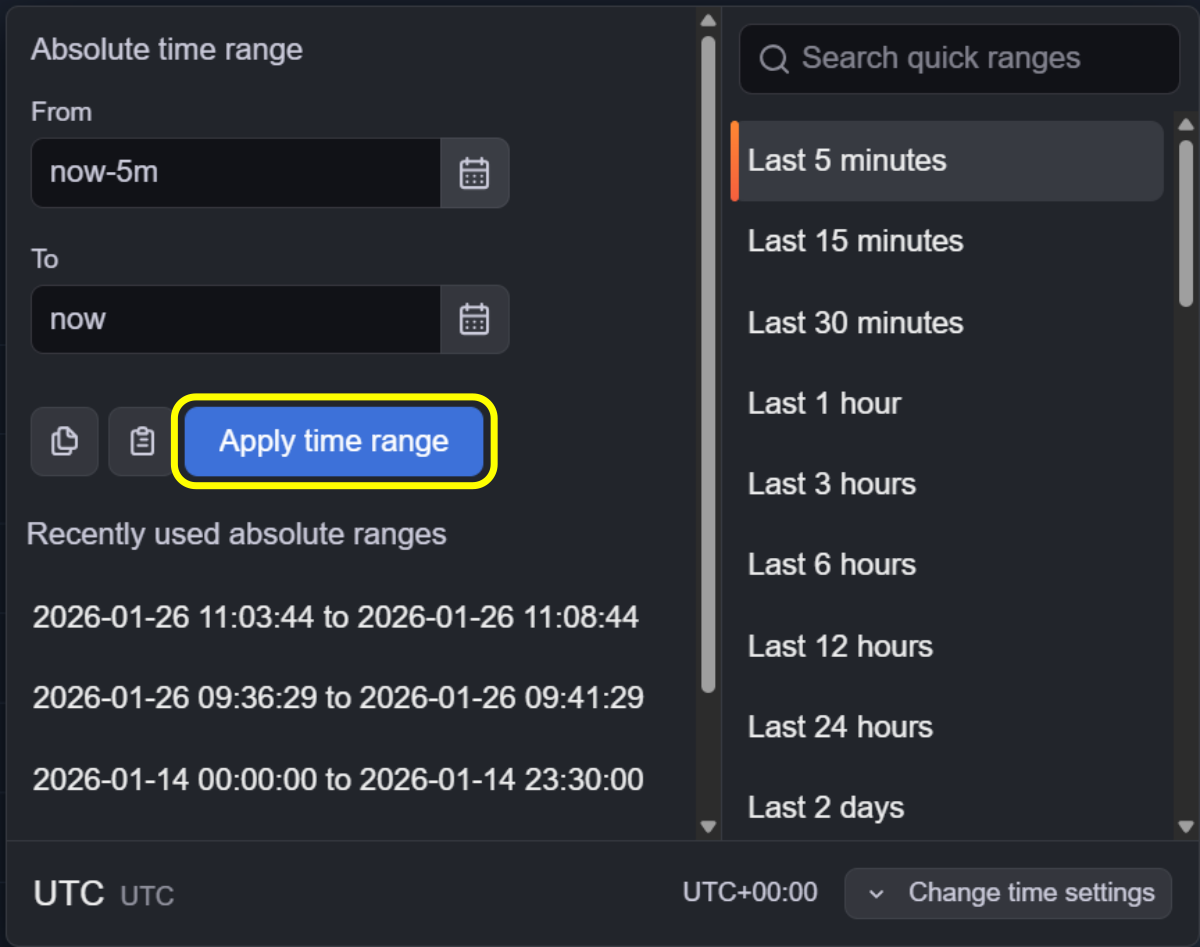
Click Apply time range to apply the selected time range.
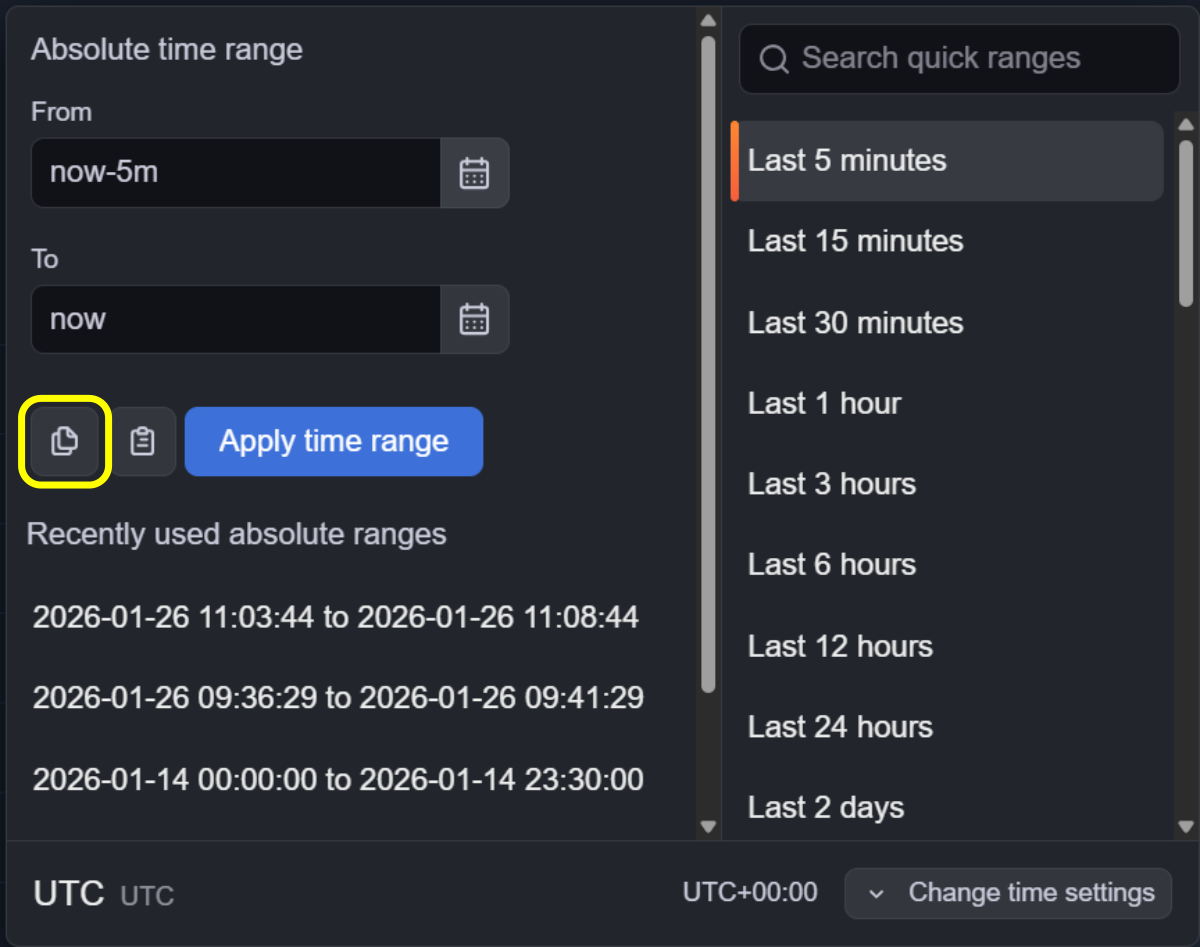
To copy the current time range to the clipboard, click the Copy button.
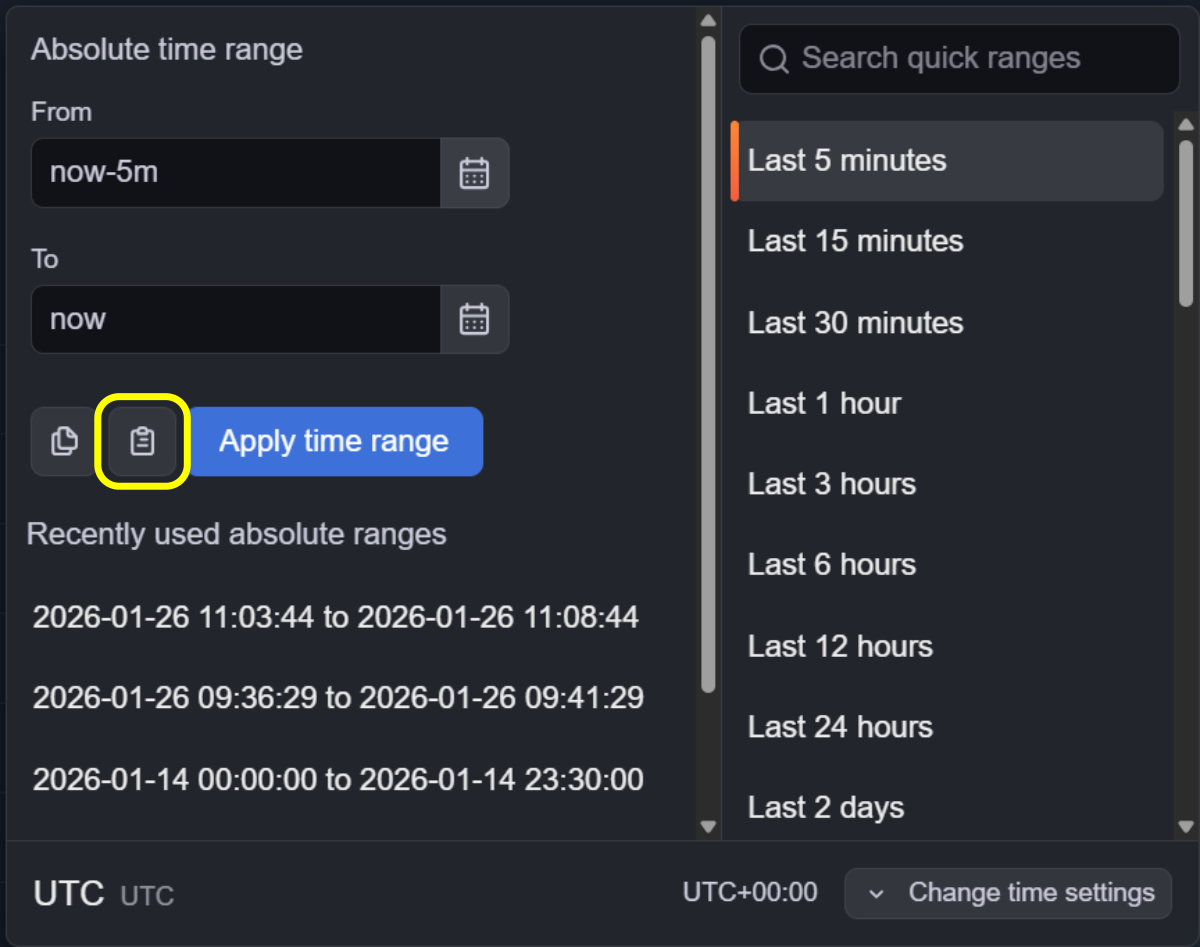
To paste a time range from the clipboard, click the Paste button.
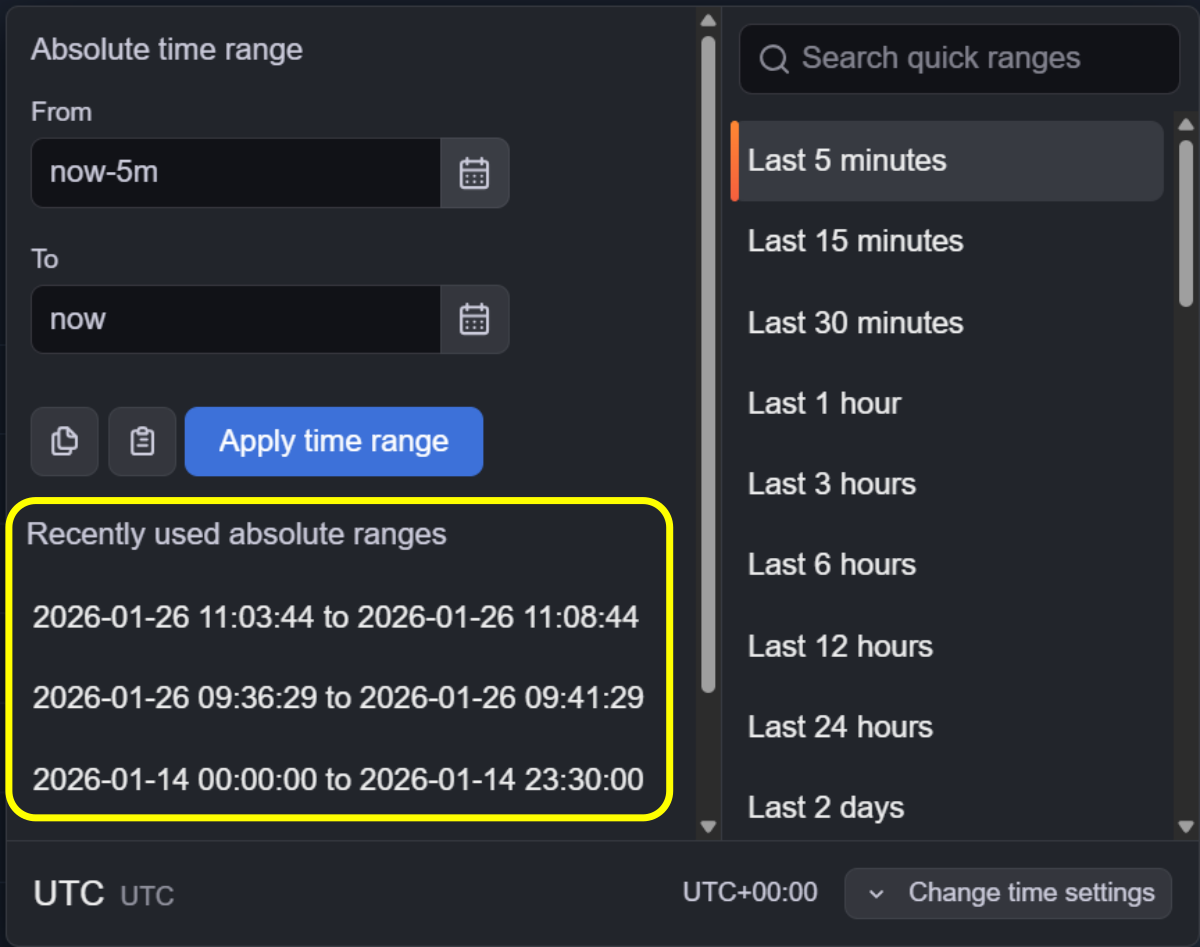
To select a recently used range, choose a value from the list.
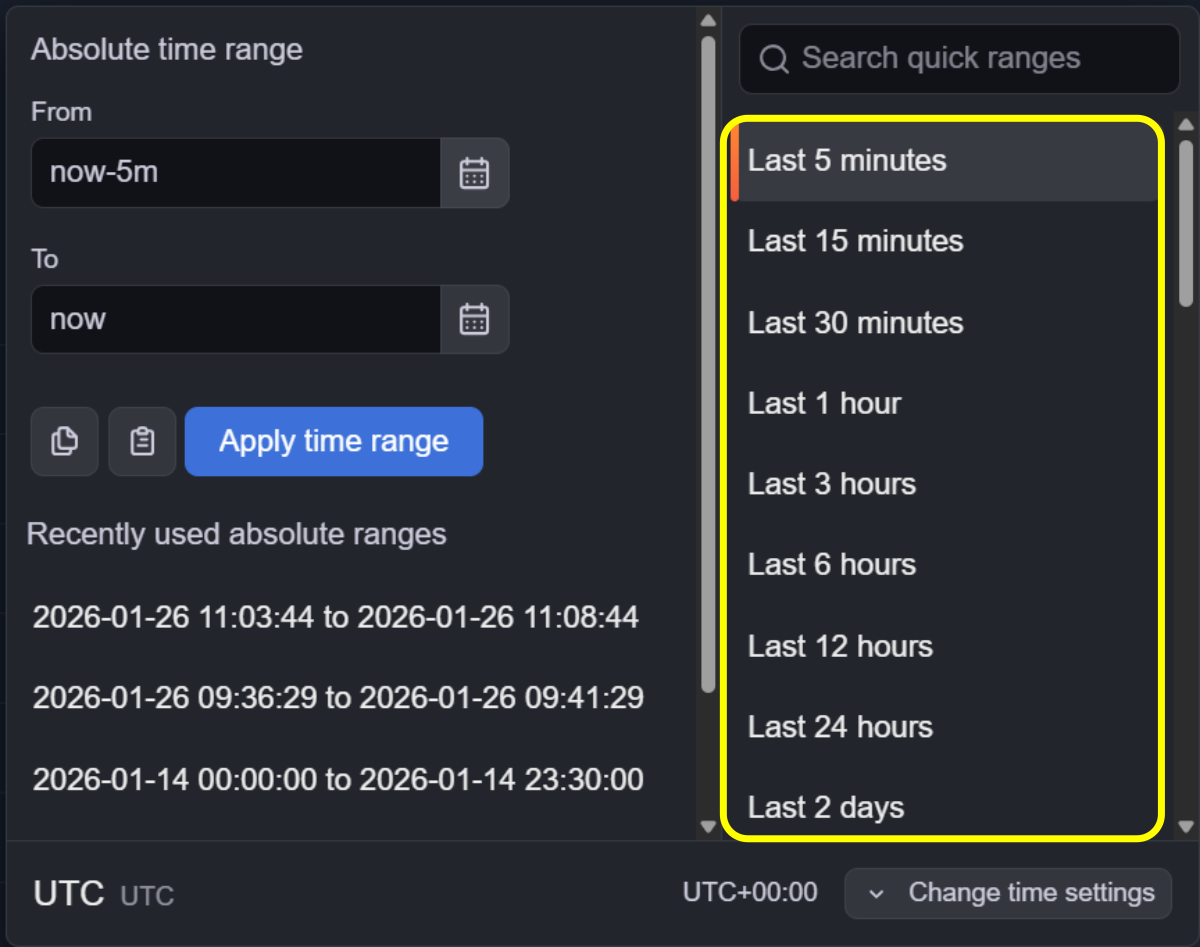
To apply a predefined quick range, select it from the list.
To change the time zone, open the time zone menu and select the required zone.
Note
The default time zone is UTC.
Use the navigation buttons to move the time range forward or backward. The time range is shifted by the current interval length.

To zoom out the time range, click the Zoom out button.
