Matchmaking
The Matchmaking section allows authorized users to view, configure, and manage matchmaking behavior.
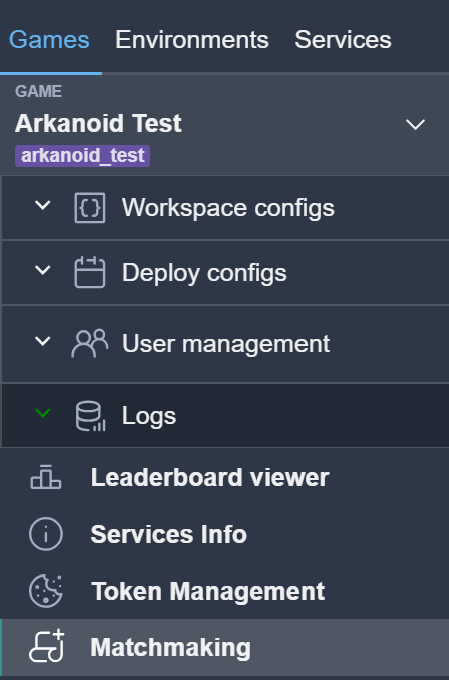
To open the matchmaking settings, select the corresponding menu item.
Note
Access to matchmaking settings requires the appropriate permissions.
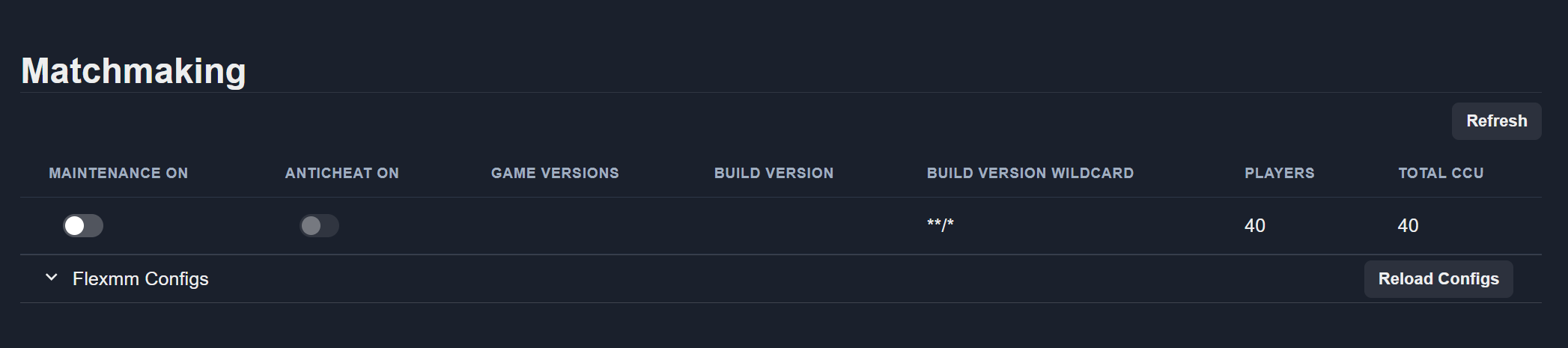
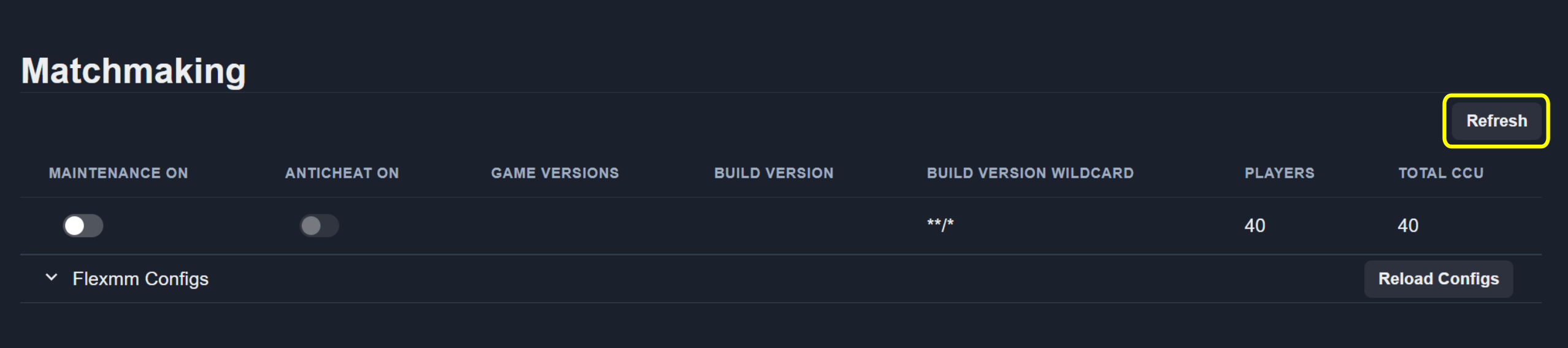
Use the Maintenance switch to enable or disable maintenance mode for matchmaking.
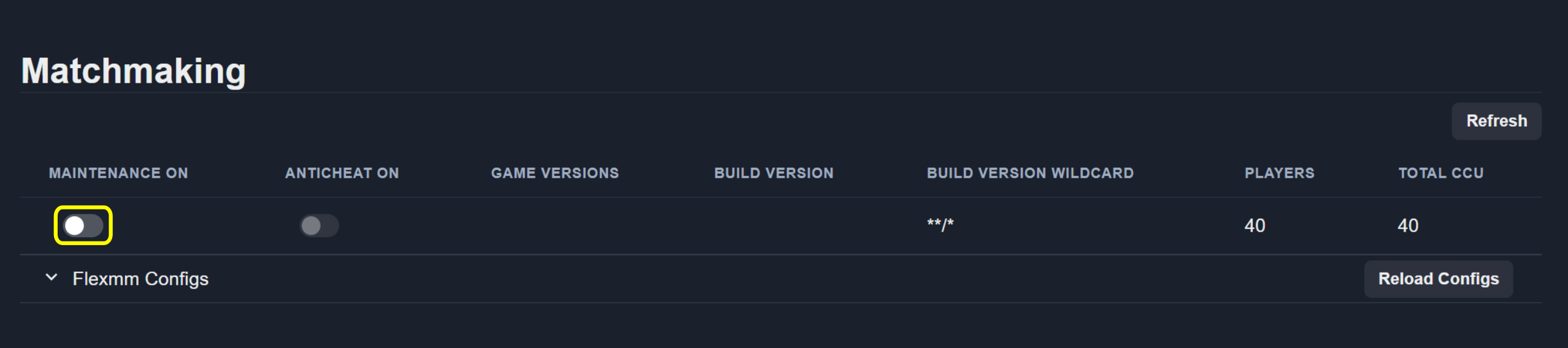
To reload the current matchmaking data, click the Refresh button.
Configs
The Configs section provides access to matchmaking configurations.
View Configurations
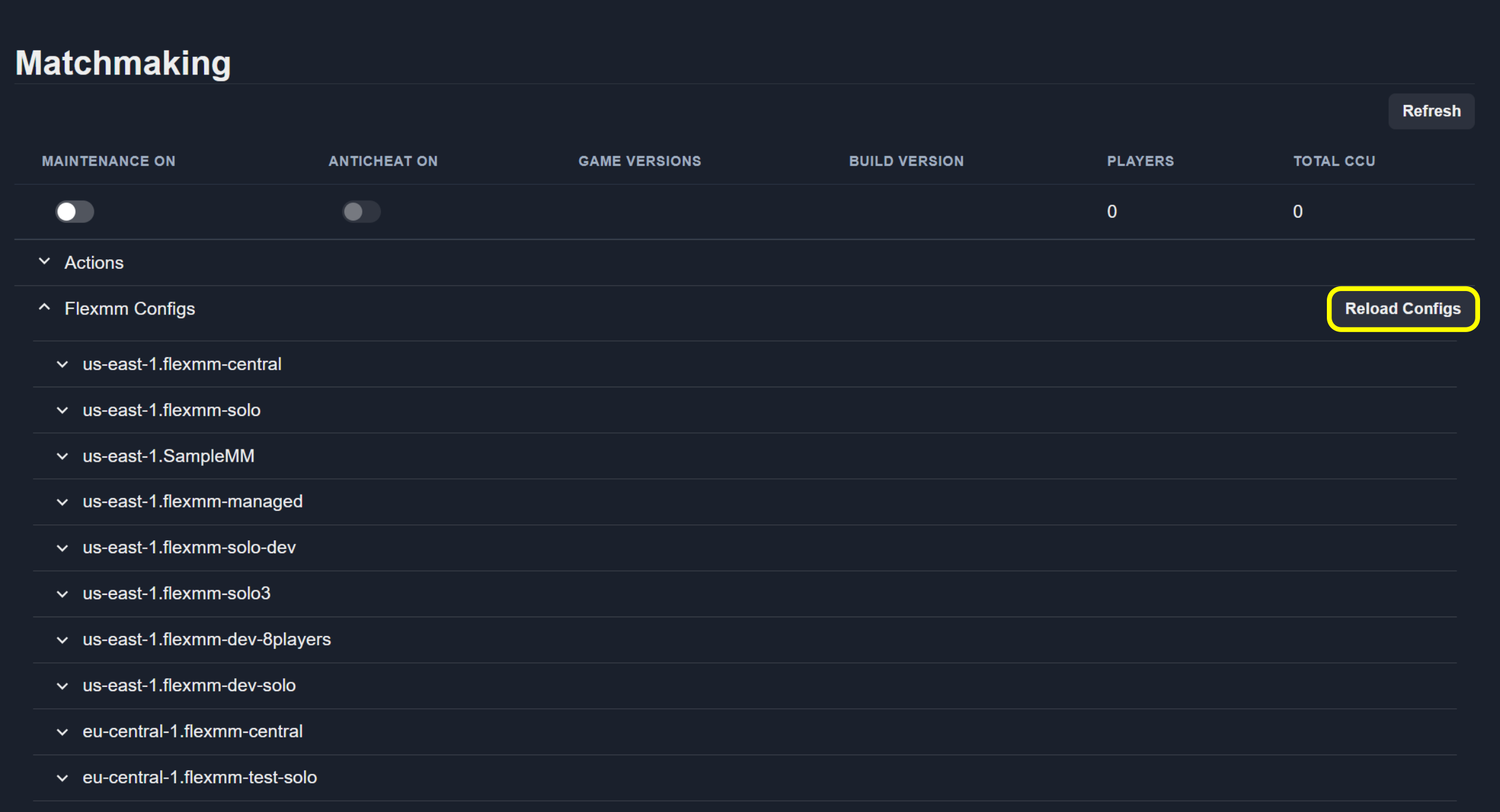
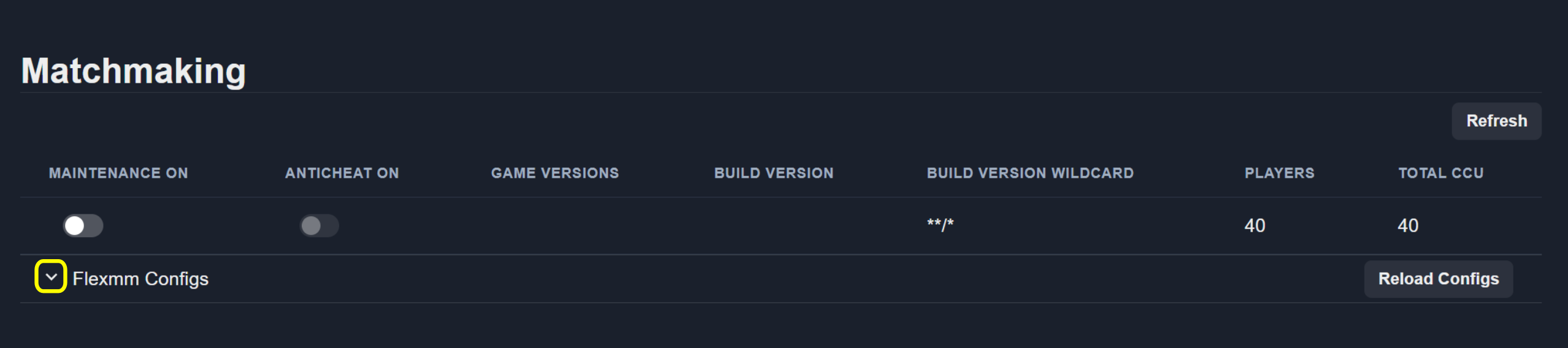
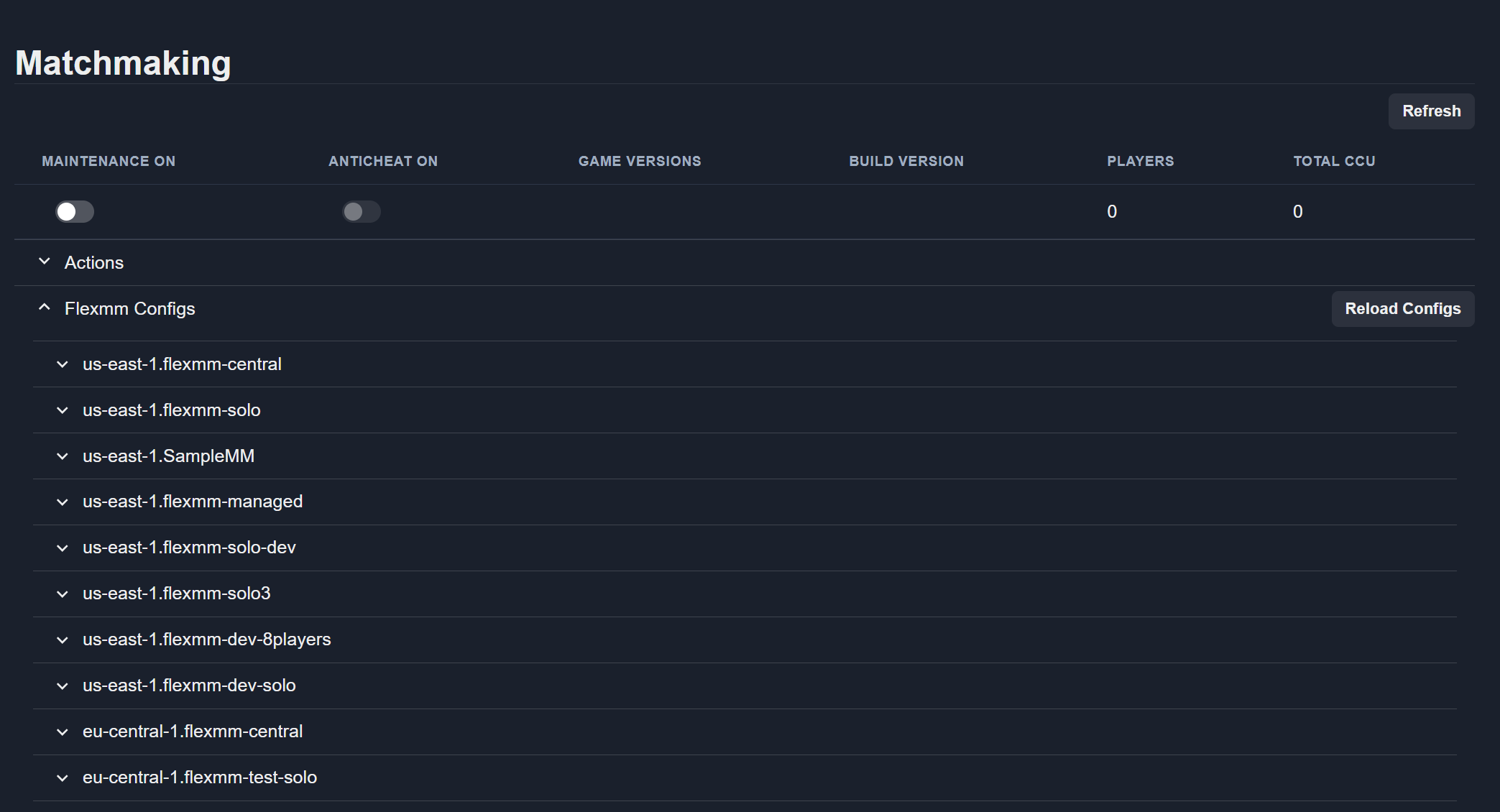
Open the Flexmm Configs section to see the list of available configurations.
Select Configurations
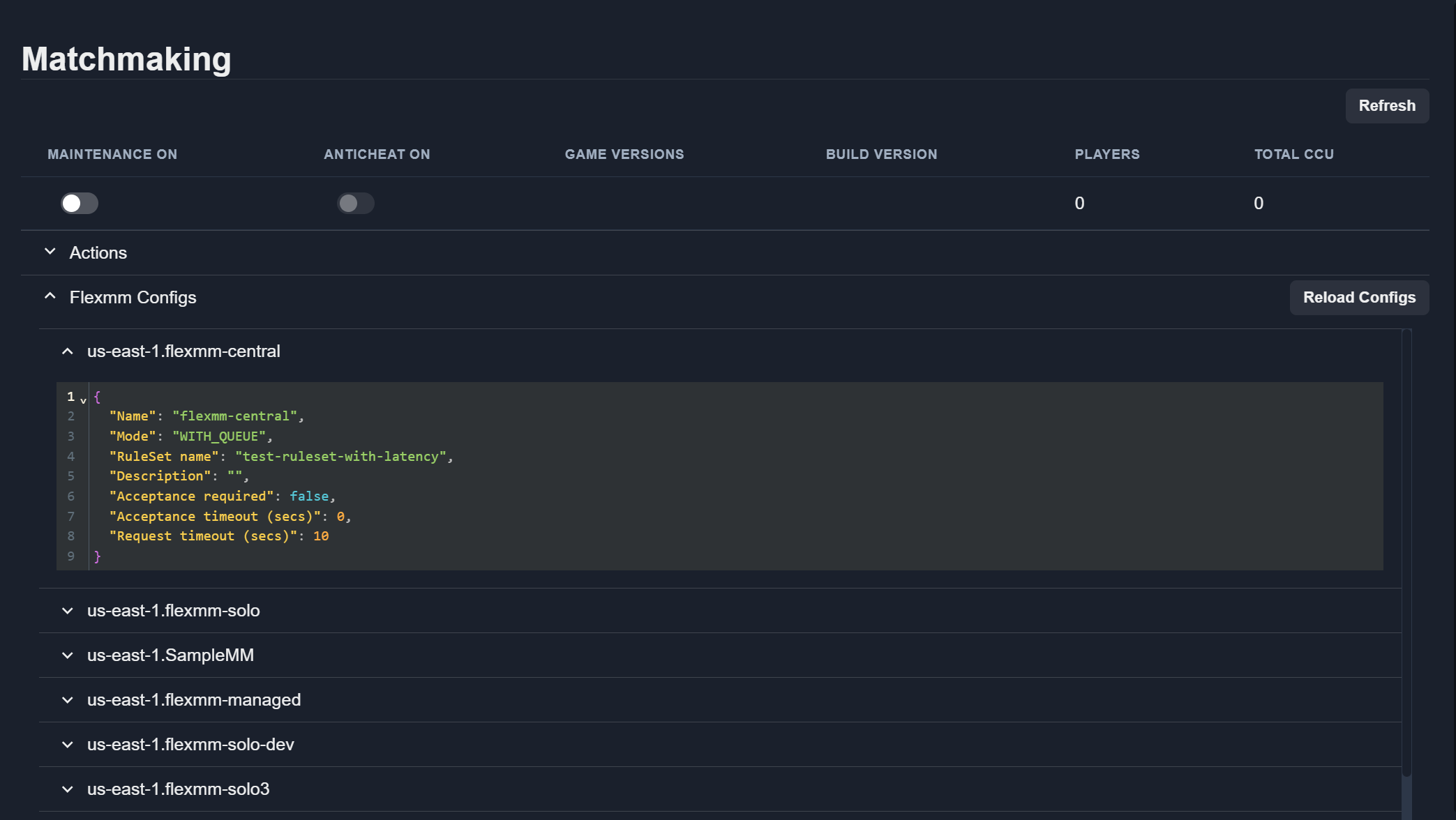
Select a configuration from the list to view its details.
Reload Configurations
To reload all matchmaking configurations from the source, click the Reload Configs button.